Campaigns, Segments & Contact Lists
Create targeted WhatsApp campaigns, segment your audience by behavior and preferences, manage contact lists, track engagement metrics, and automate follow-ups — all from one powerful communication platform.
COMMUNICATION WORKFLOW
From contact lists to campaigns,every message reaches the right audience
Stellivo keeps your contact lists, audience segments, campaign templates, and delivery tracking in sync—so no lead is missed, every message is personalized, and campaign performance stays visible.

Festival Offer 2024
Delivered: 1,247
92% Open Rate
Send Targeted WhatsApp Campaigns With Clear Delivery Tracking
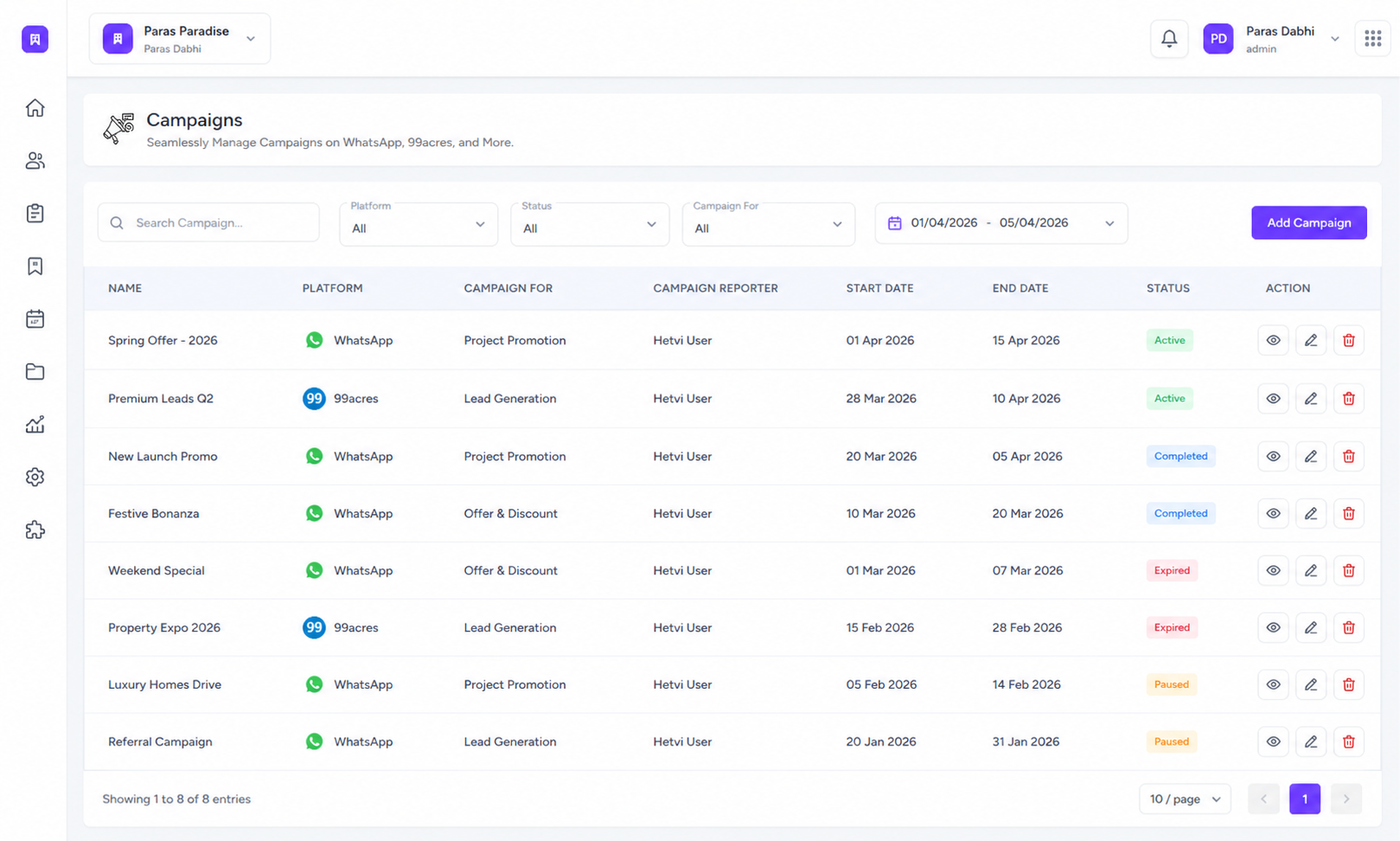
Create WhatsApp campaigns for segments or contact lists, choose approved templates, assign a campaign reporter, schedule messages, track delivery status, and turn replies into follow-up actions from one connected campaign workspace.
Campaign platform
1 place
For campaign reports
WhatsApp Campaign Creation
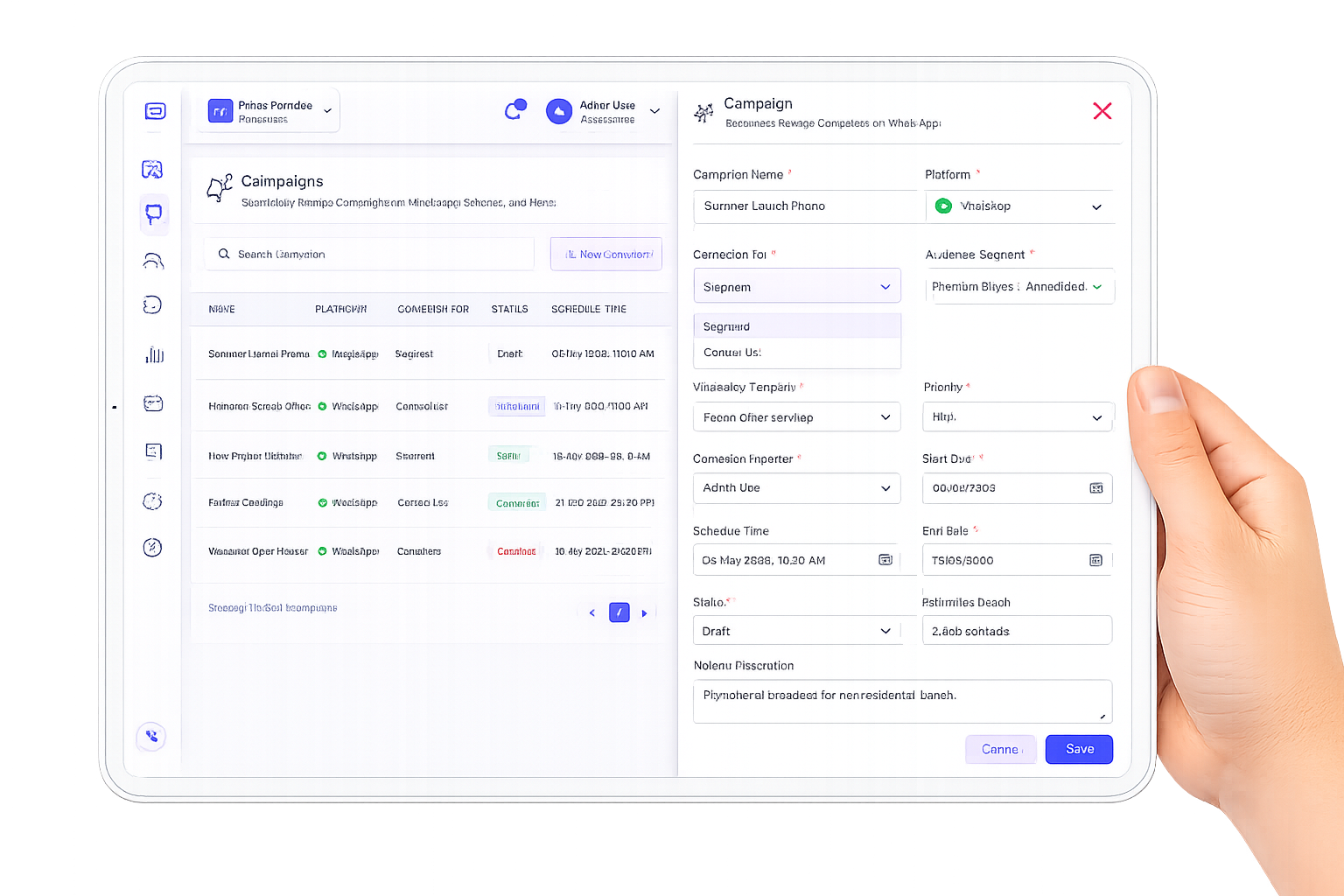
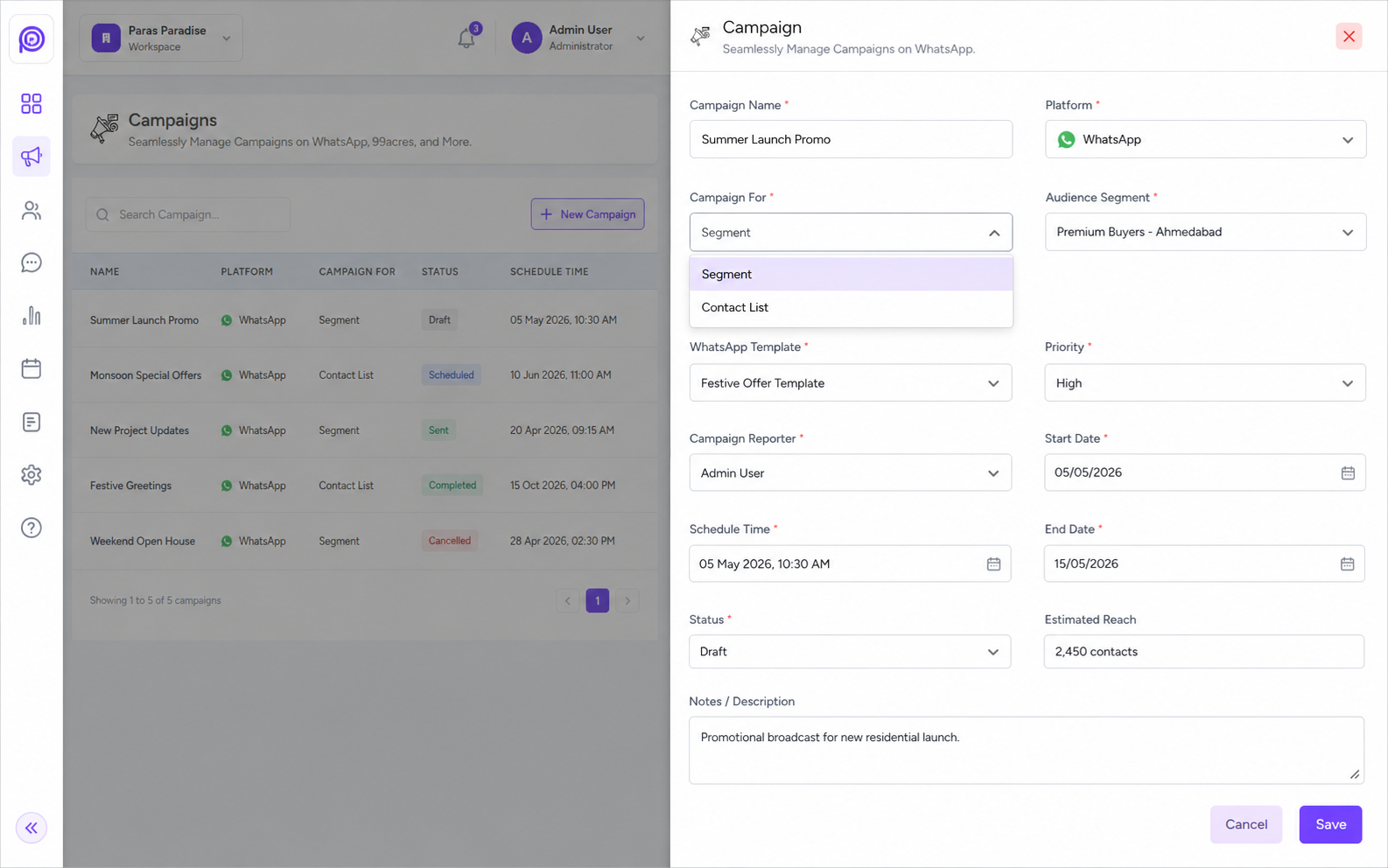
Create campaigns by selecting WhatsApp as the platform, choosing the campaign audience, entering the campaign name, and assigning the campaign reporter.
Segment or Contact List Audience
Send campaigns to a saved segment or contact list so only the right leads, clients, or contacts receive the message.
Approved Template Selection
Choose approved WhatsApp templates before sending so every campaign stays compliant, branded, and ready for delivery.
Schedule & Status Control
Schedule campaigns for a specific time, track campaign status, and manage completed, pending, or failed campaign activity.
Campaign Recipient Report
View recipients by delivery status such as failed, sent, delivered, read, pending, or in progress, then filter the campaign report.
Save Recipients as Contact List
Convert selected campaign recipients into a contact list for retargeting, failed-message retry campaigns, or future follow-up campaigns.
Build Smart Audiences From Lead and Client Data
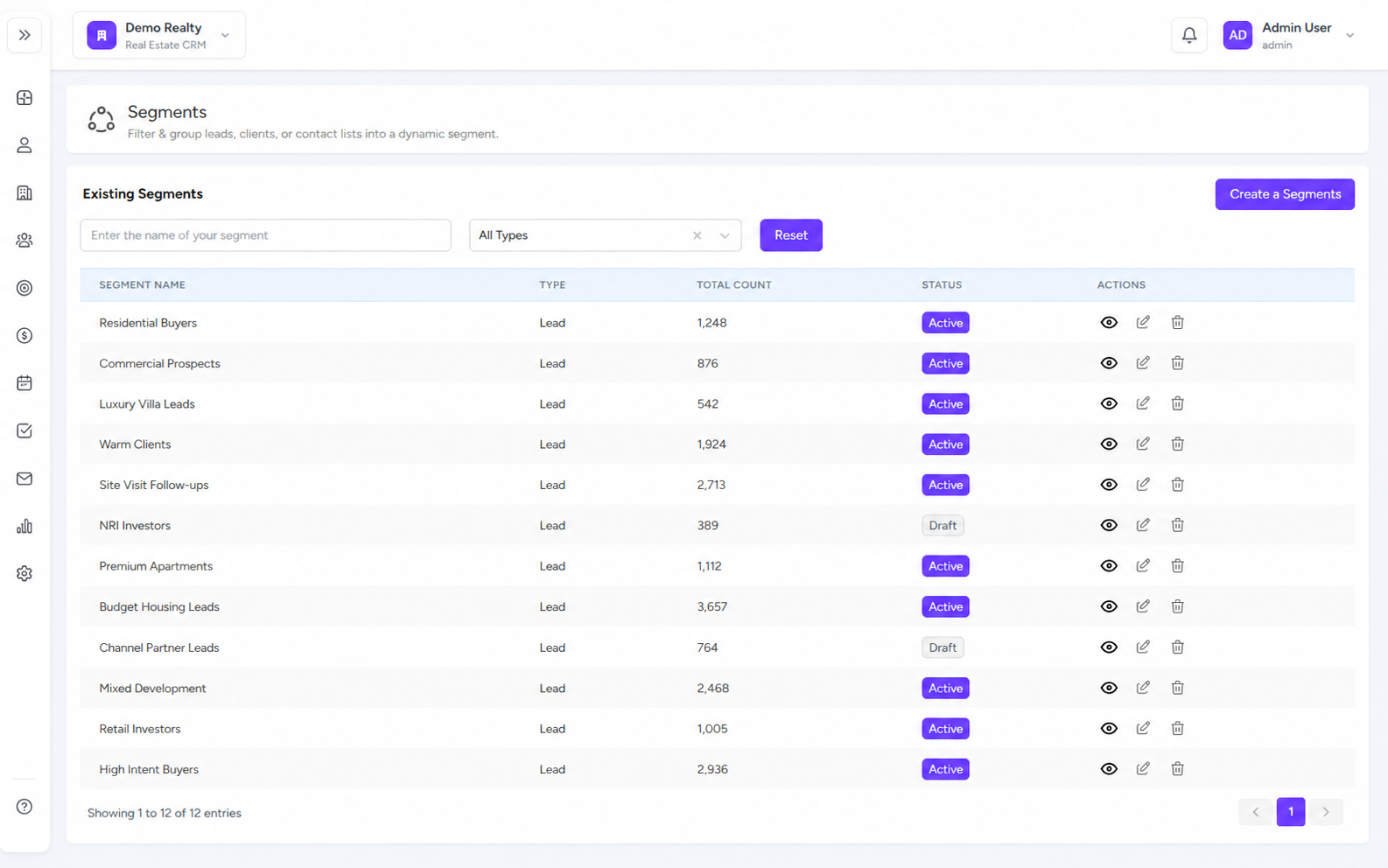
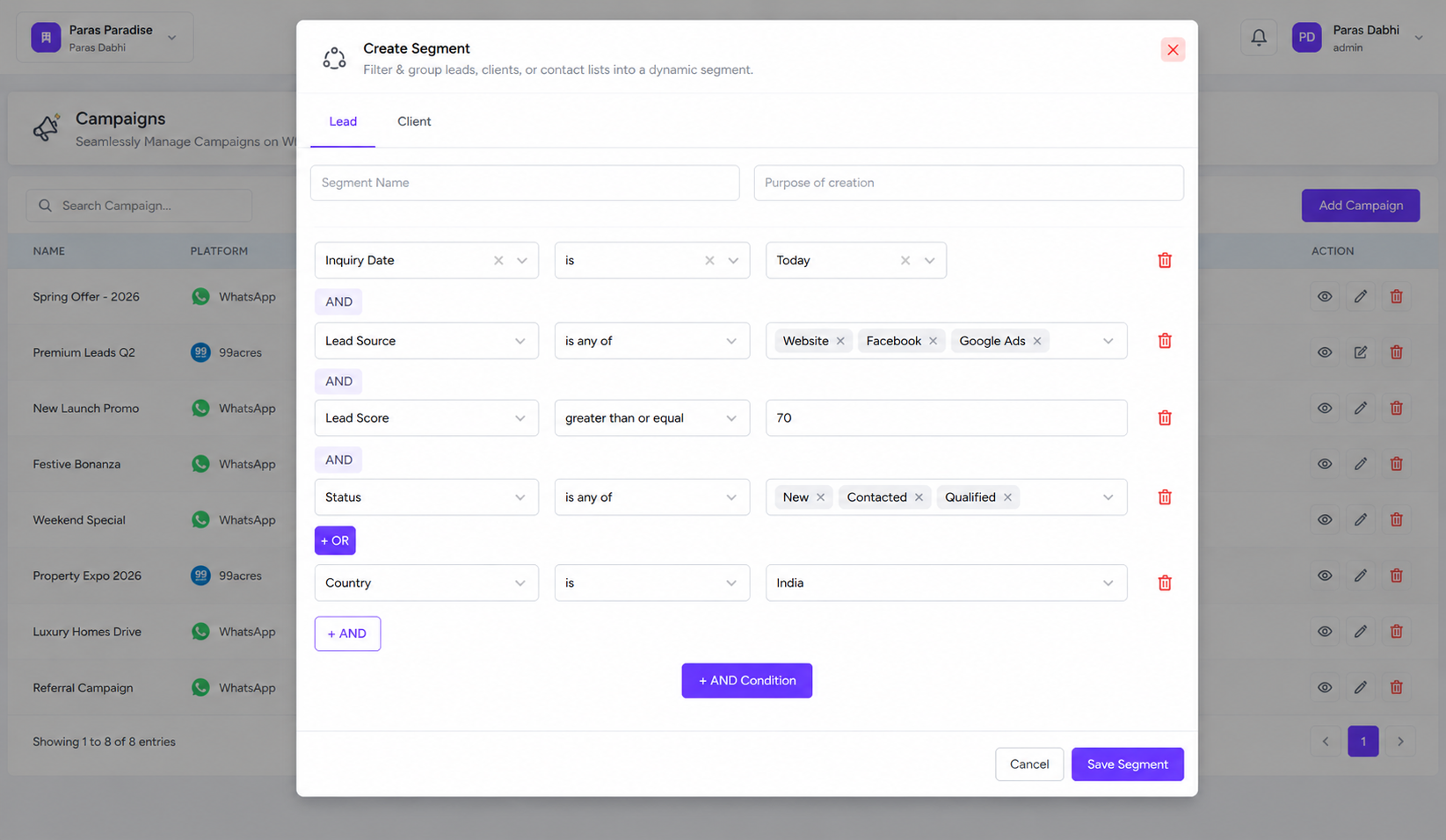
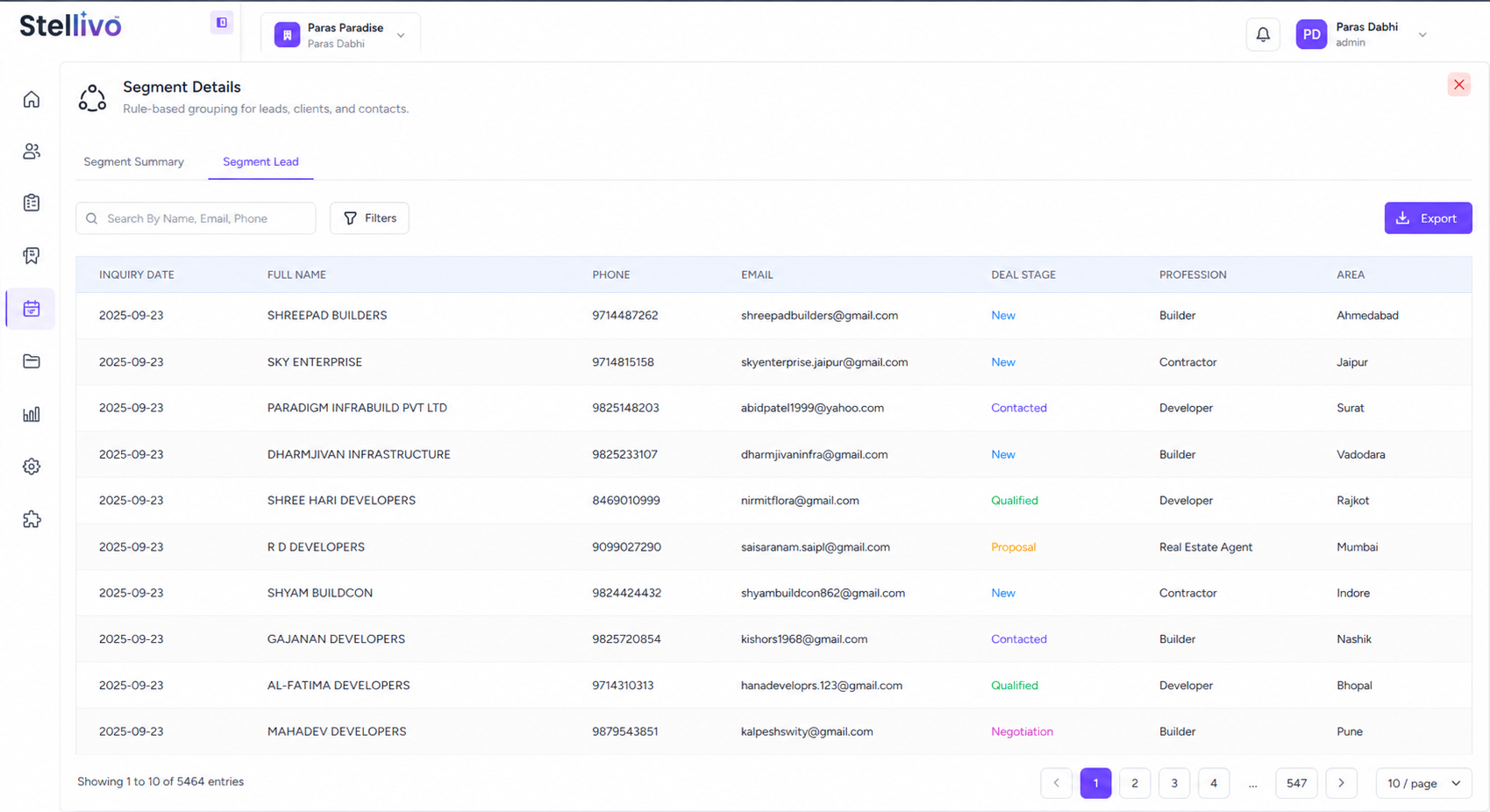
Create dynamic segments from leads or clients using rule-based filters like deal stage, inquiry date, tags, channel, area, profession, and customer type, then reuse those segments in campaigns and contact lists.
7K+
Segmented leads
Rule-based
Audience targeting
Dynamic Rule Builder
Create lead or client segments using flexible rules such as inquiry date, deal stage, tag, channel, area, profession, and other CRM fields.
Lead & Client Segmentation
Build separate audiences for leads and clients so sales, marketing, and service campaigns can target the right group.
Segment Filtering & Search
Search existing segments, filter by type, view total count, and manage active segment records from one table.
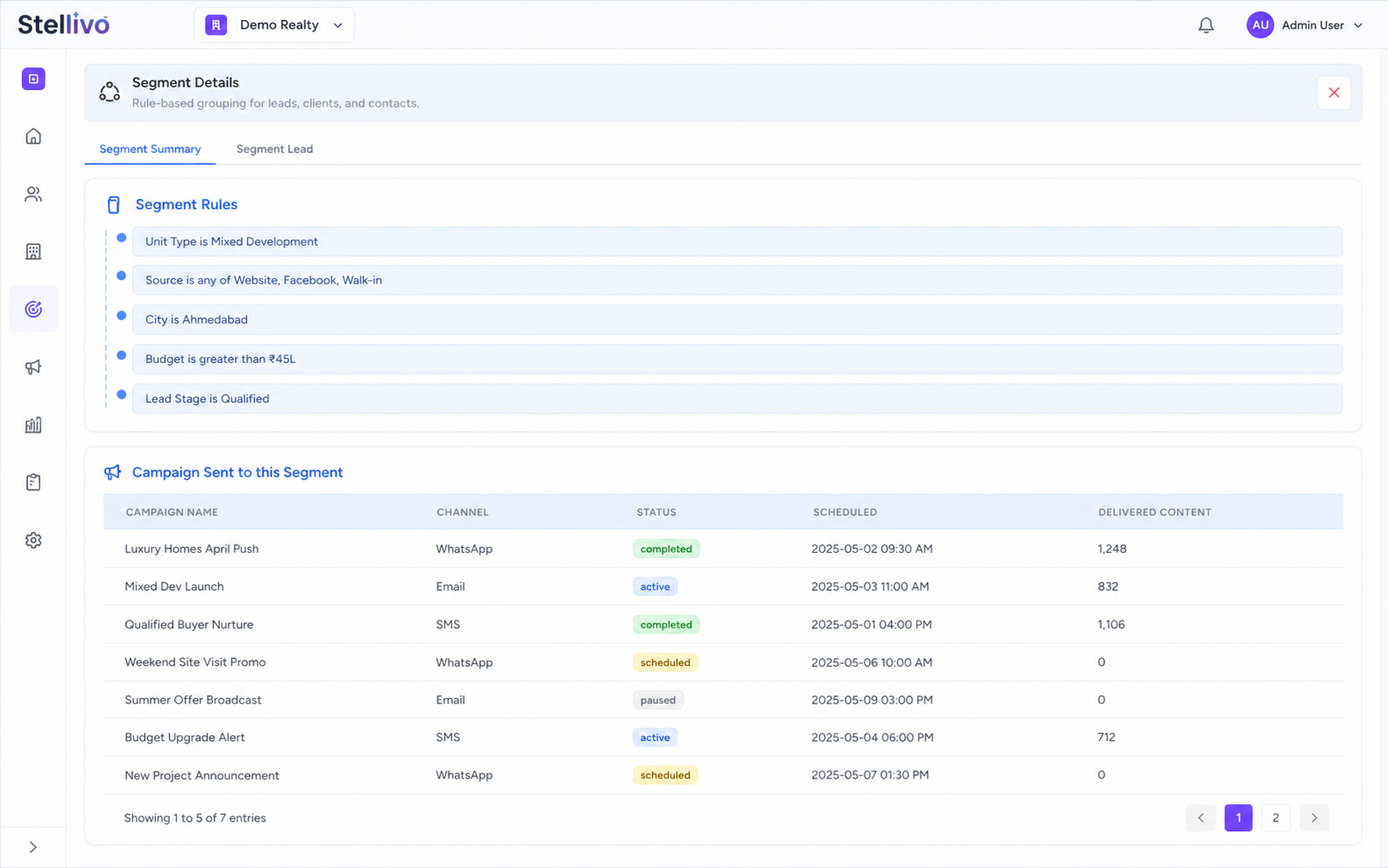
Segment Rule Summary
Open any segment to see the exact rules used, such as Deal Stage is FollowUp, so teams know why contacts are included.
Campaign Usage Tracking
See which campaigns were sent to a segment and track scheduled status, channel, and delivered content.
Reusable Audience Logic
Use one saved segment across multiple campaigns or contact list workflows without rebuilding the same filters again.
Organize Campaign Contacts Into Reusable Lists
Create contact lists from leads, clients, manual entries, imported records, or campaign recipients, then use those lists for WhatsApp campaigns, follow-ups, calls, and audience-specific communication.
1 list
Reusable audience
Multi-source
Contact creation
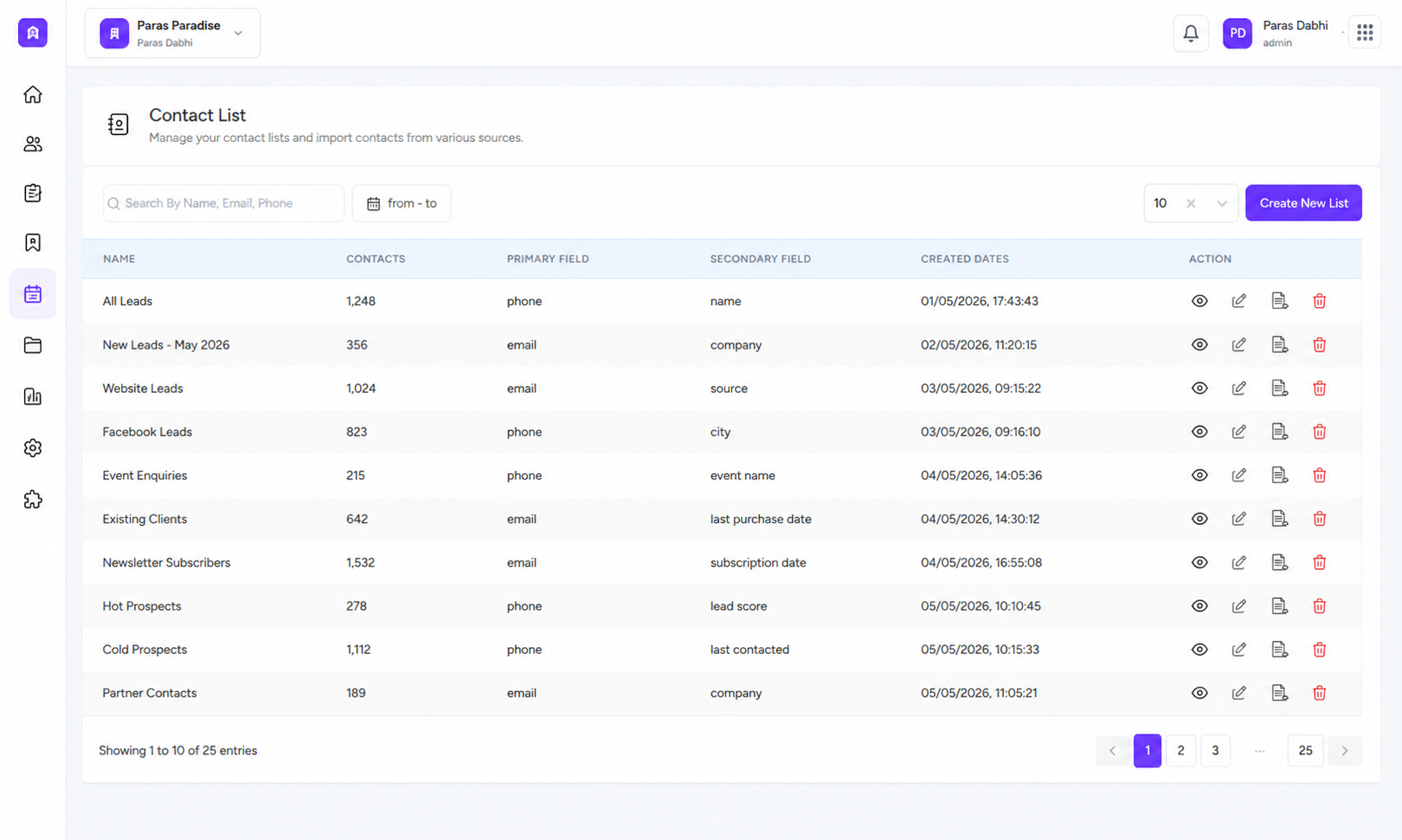
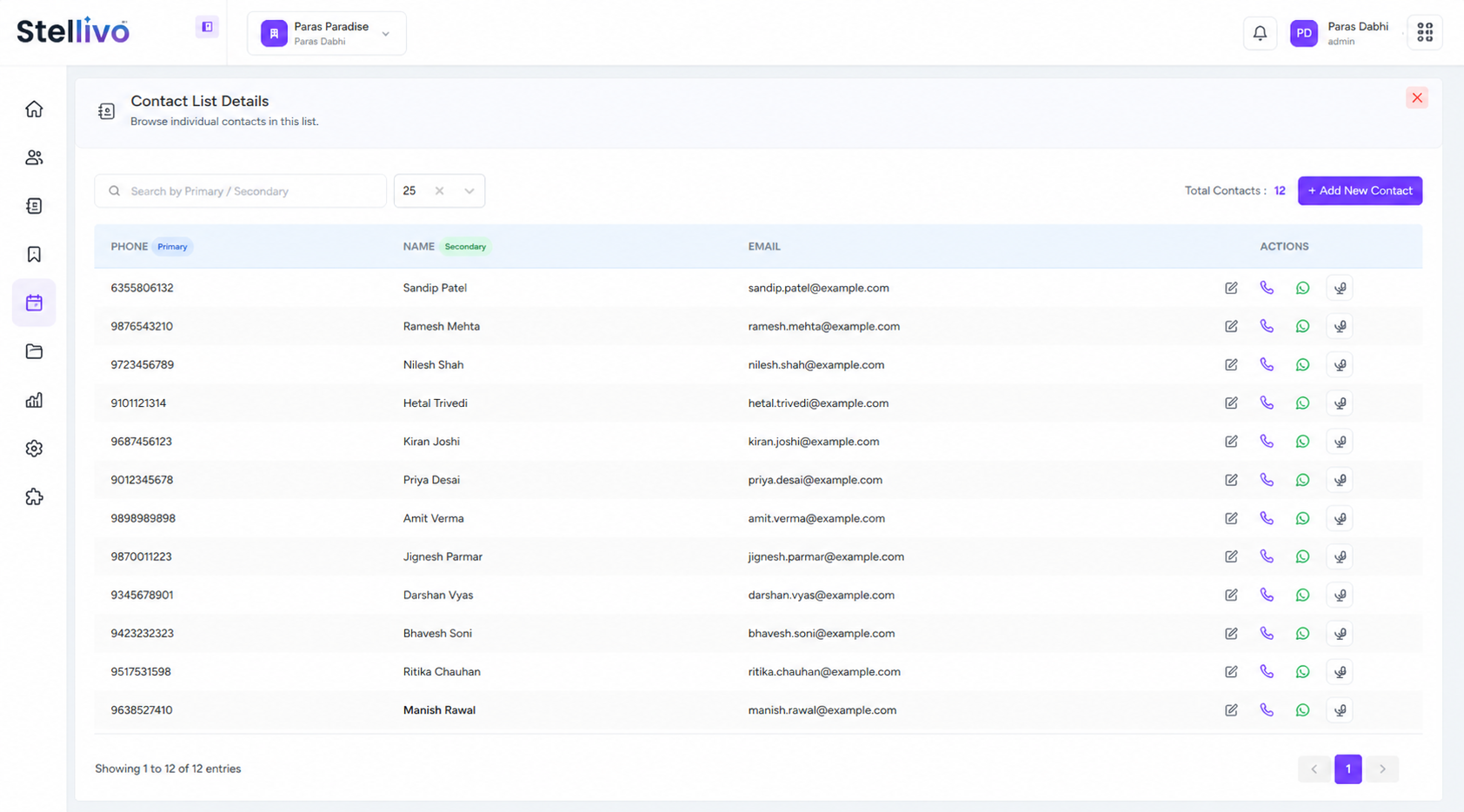
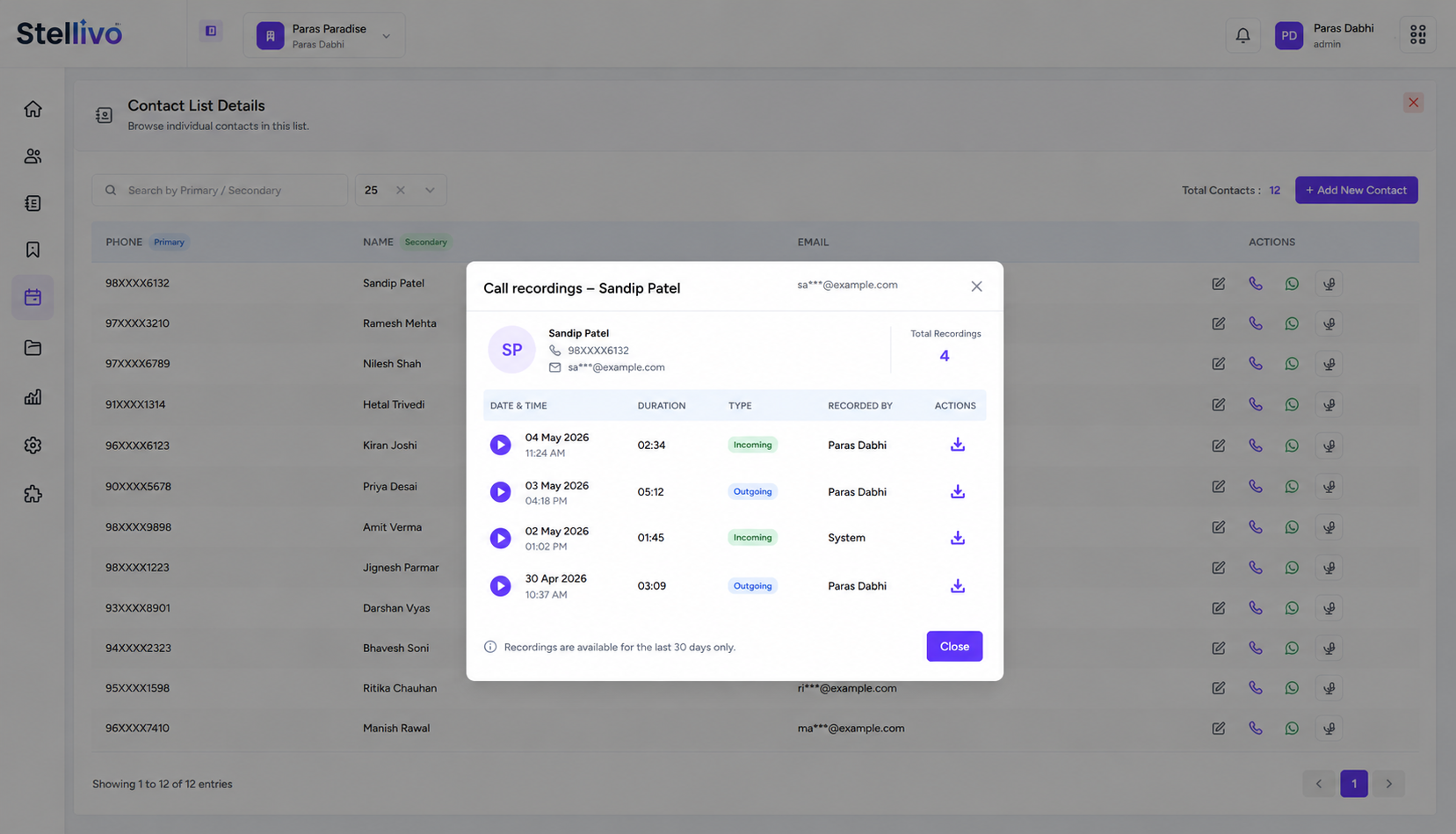
Create Reusable Contact Lists
Build contact lists for specific campaign audiences like tower prospects, follow-up leads, failed-message recipients, or renewal customers.
Add Contacts Manually
Add new contacts with primary and secondary fields such as phone, name, and email for flexible list creation.
Import From Segments or Campaigns
Populate lists from saved segments or campaign recipient reports so targeting stays consistent across campaigns.
Contact List Details
Open a list to view individual contacts, total contact count, primary field, secondary field, and contact-level actions.
Call, WhatsApp & Recording Actions
Take direct actions from contact details, including call, WhatsApp chat, edit contact, and call recording lookup.
Campaign-ready Audience Source
Use contact lists directly inside campaign creation by selecting campaign for contact list and choosing the correct audience.
Built For The Teams Who Move Real Estate Forward
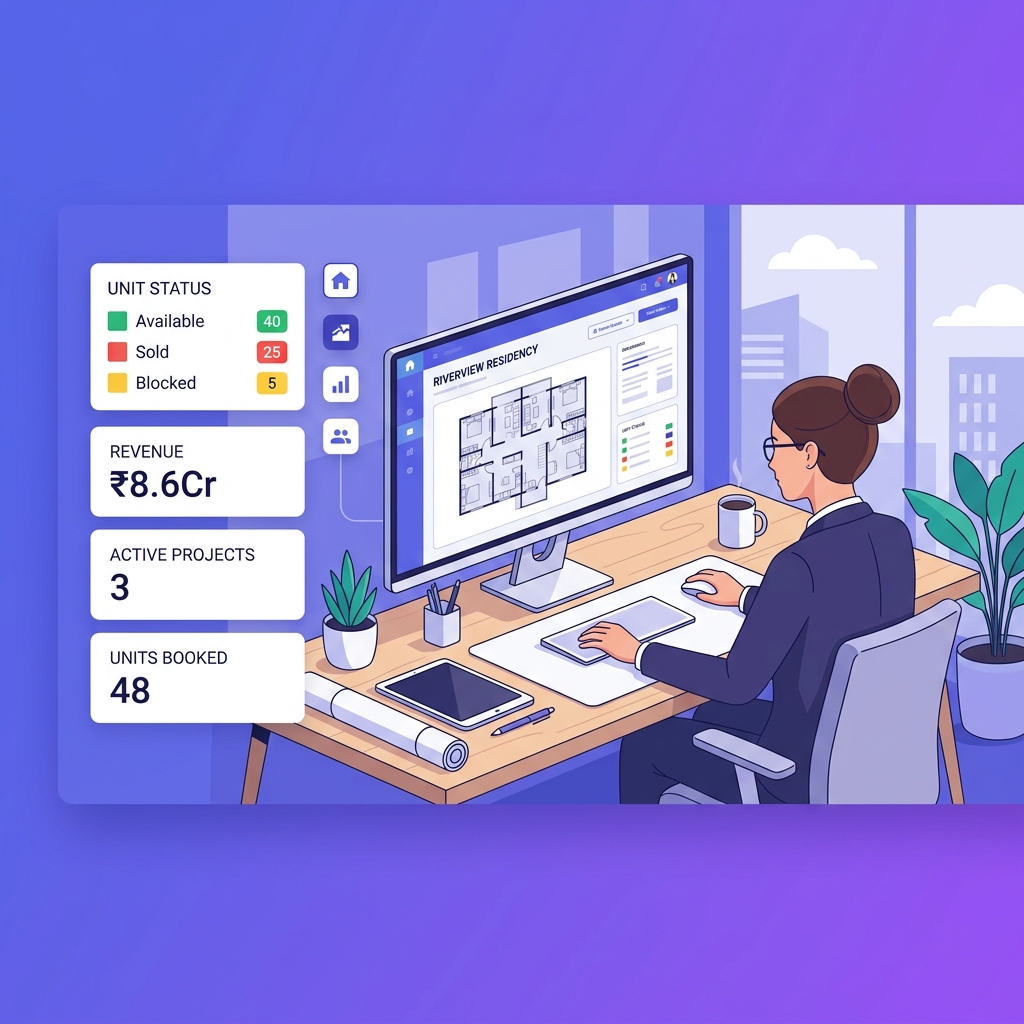
Stellivo helps builders, brokers, channel partners, and construction teams work with connected data, clearer responsibilities, and better visibility across real estate sales, communication, inventory, construction, and reporting workflows.
For Builders & Developers
Manage projects, leads, clients, bookings, inventory, documentation, communication, construction progress, and business visibility from one connected real estate CRM platform.
- Project and inventory control
- Booking and client visibility
- Reports and business tracking
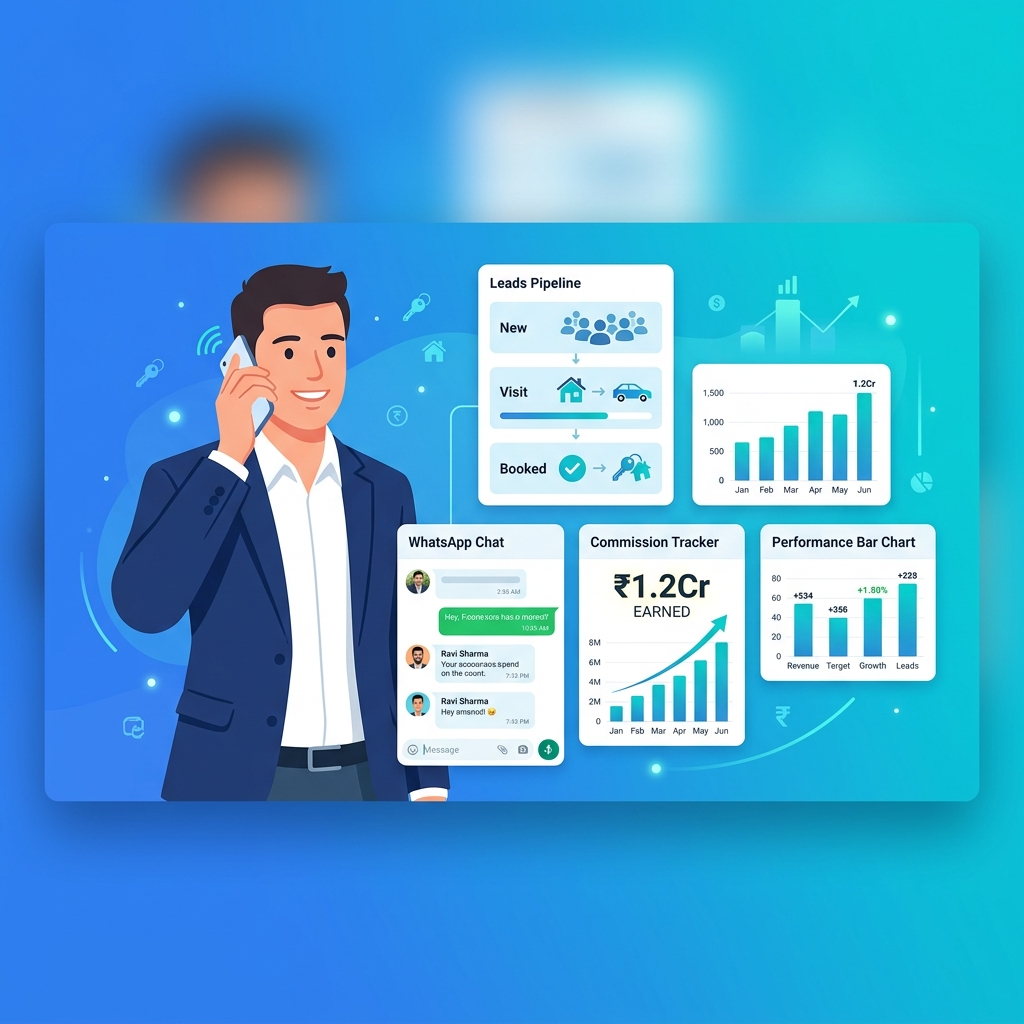
For Brokers & Channel Partners
Track assigned leads, customer interactions, follow-ups, visits, bookings, commissions, project-wise activity, revenue visibility, and partner performance.
- Lead and follow-up tracking
- Booking and commission visibility
- Partner performance insights
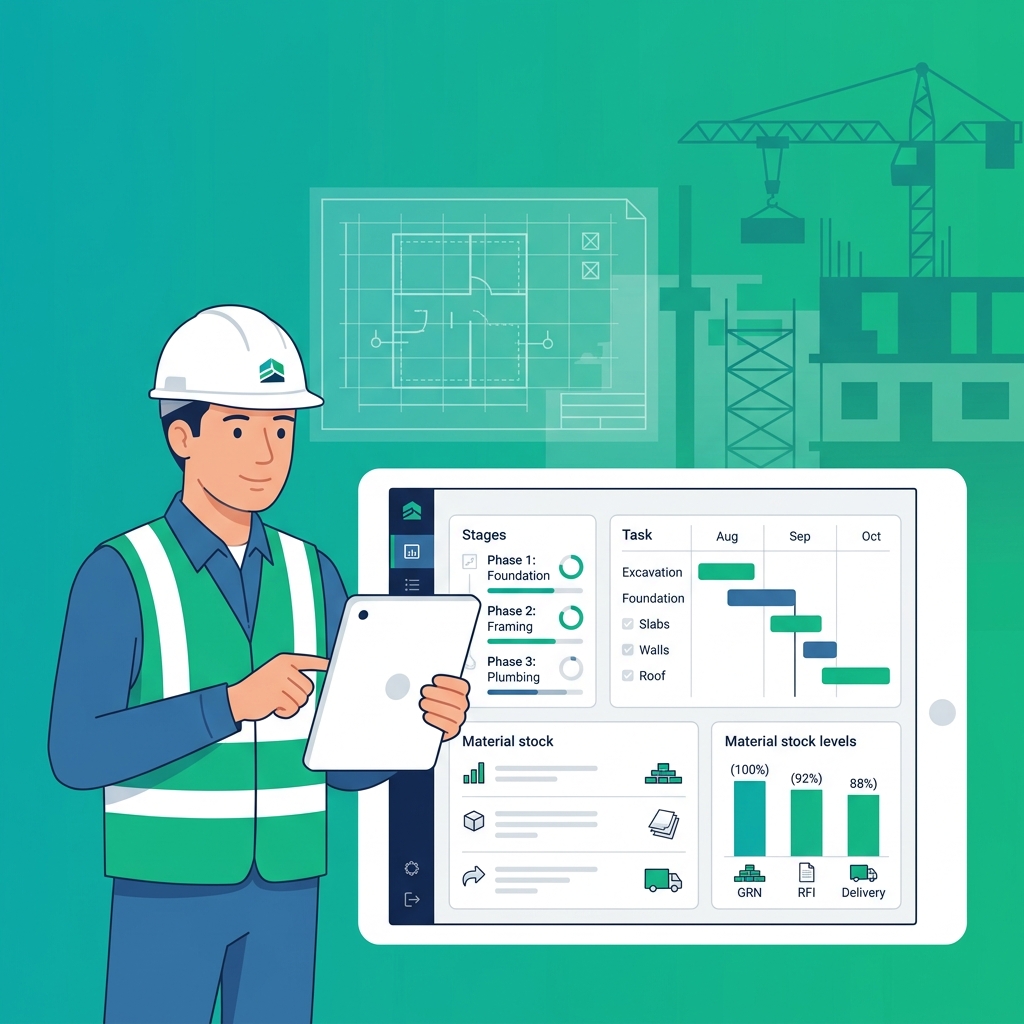
For Construction & Operations Teams
Manage inventory, stocks, GRN, delivery, quotations, invoices, branches, warehouses, tasks, issues, RFIs, material planning, and site coordination.
- Stock, GRN, and delivery tracking
- Task, issue, and RFI management
- Material planning and coordination
Not sure which plan fits your team?
Talk to our teamFrequently asked questions about campaigns, segments, and contact lists
Find answers to common questions about running real estate campaigns, building customer segments, managing contact lists, sending WhatsApp messages, and tracking communication inside Stellivo CRM.
8
Questions answered
What are campaigns, segments, and contact lists in Stellivo CRM?
Campaigns, segments, and contact lists in Stellivo help real estate teams organize customers and send the right message to the right audience. Teams can group leads, clients, and contacts based on business rules, create reusable contact lists, and run targeted WhatsApp or marketing campaigns from one CRM platform.
How does Stellivo help real estate teams run targeted campaigns?
Can I create customer segments in Stellivo?
What is the use of contact lists in real estate CRM?
Does Stellivo support WhatsApp campaigns?
Can campaign activity stay connected with CRM records?
How do segments improve campaign performance?
Why should real estate businesses use Stellivo for campaigns and contact management?
Still have questions? Our team is happy to help.
Contact our teamReal Estate Software Built for Experts
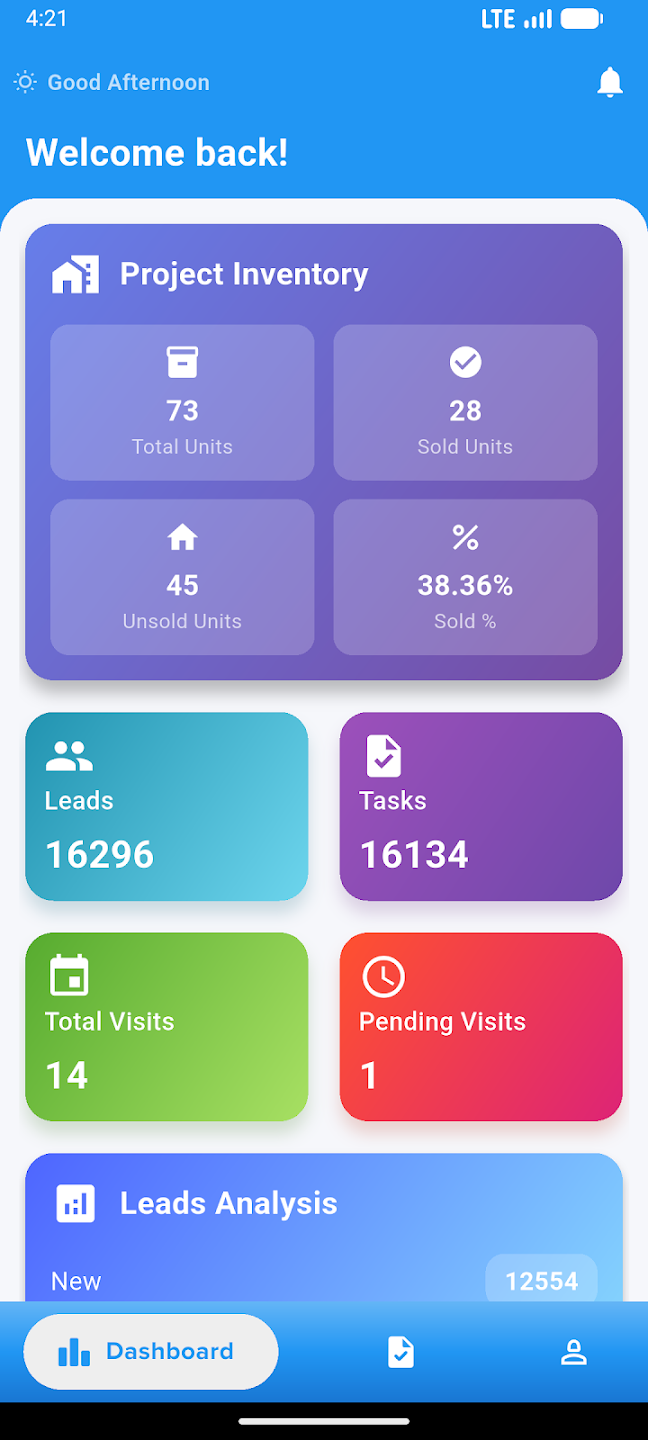
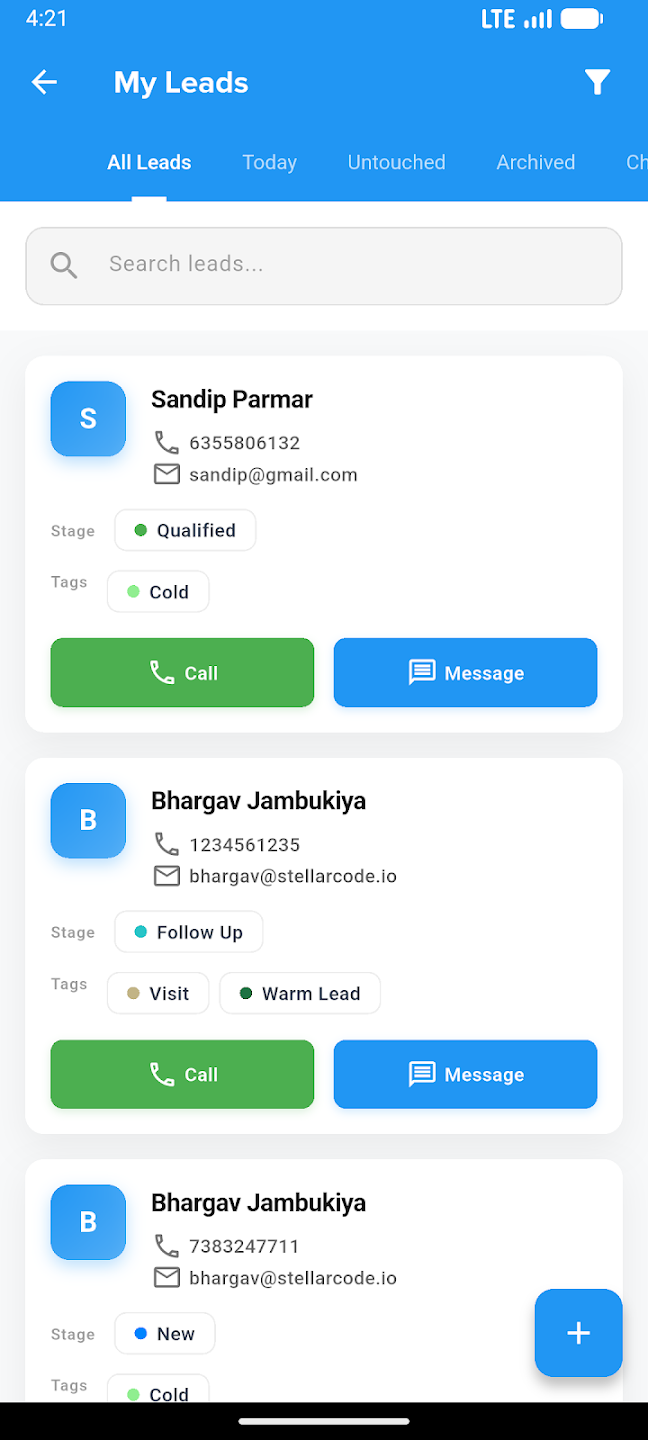
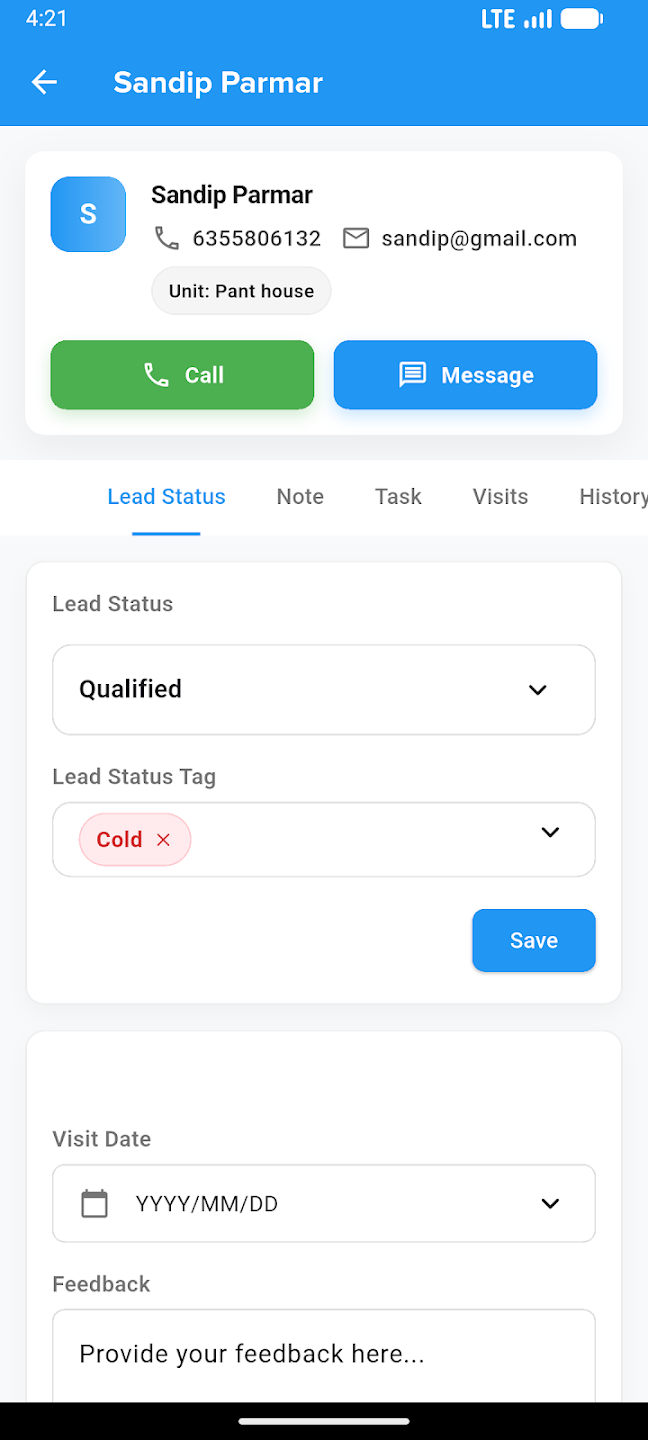
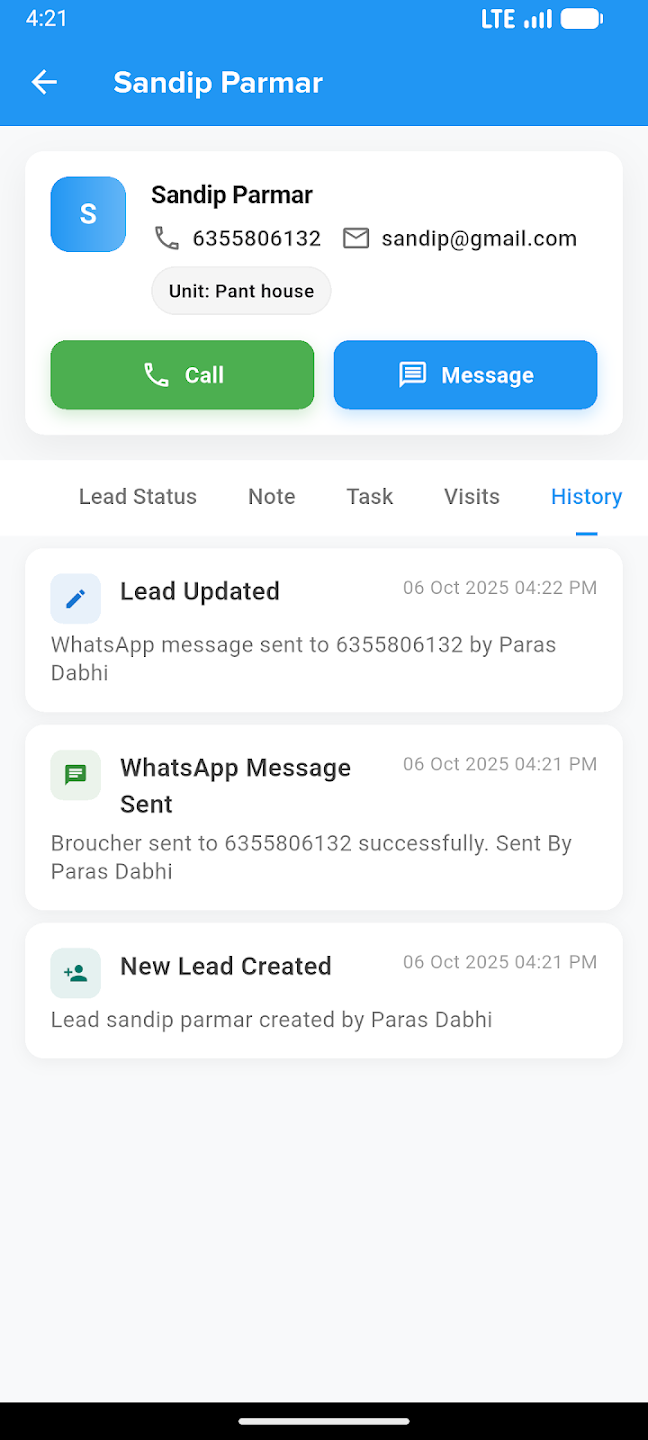
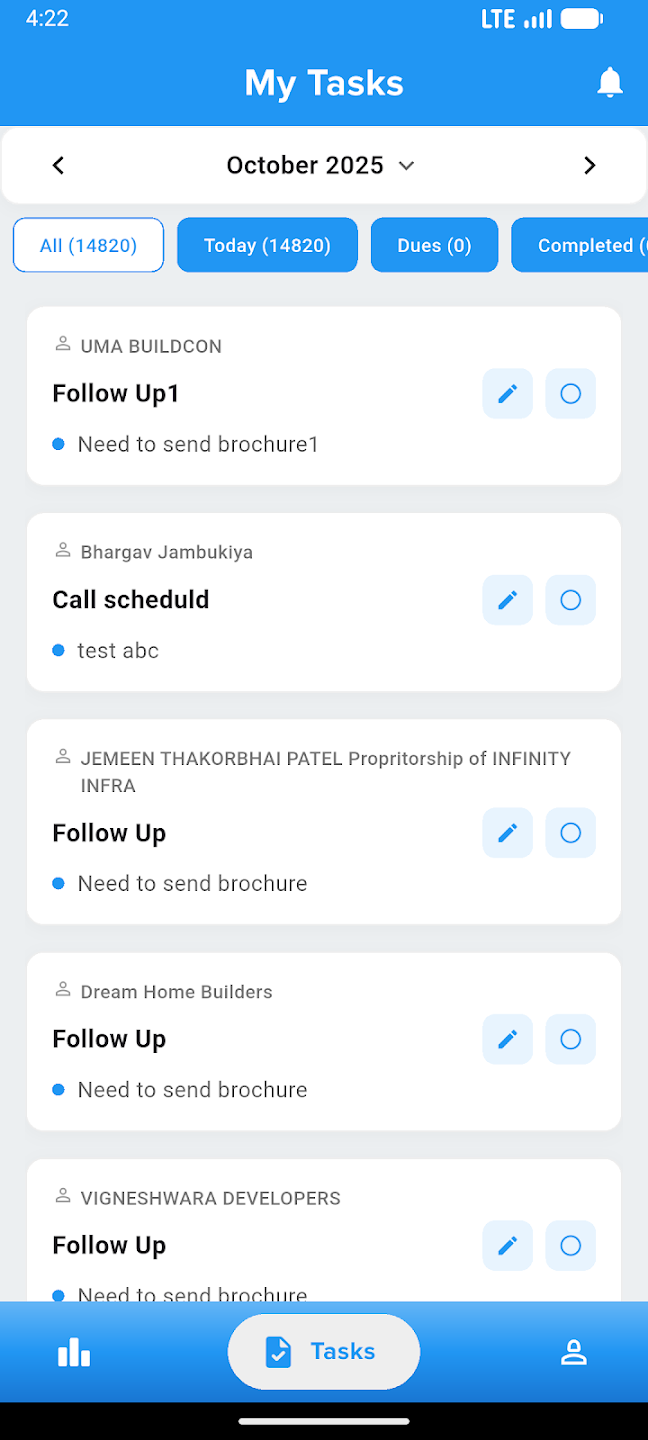
Take your business everywhere. Manage leads, track construction progress, and close deals right from the palm of your hand with our powerful mobile companion.