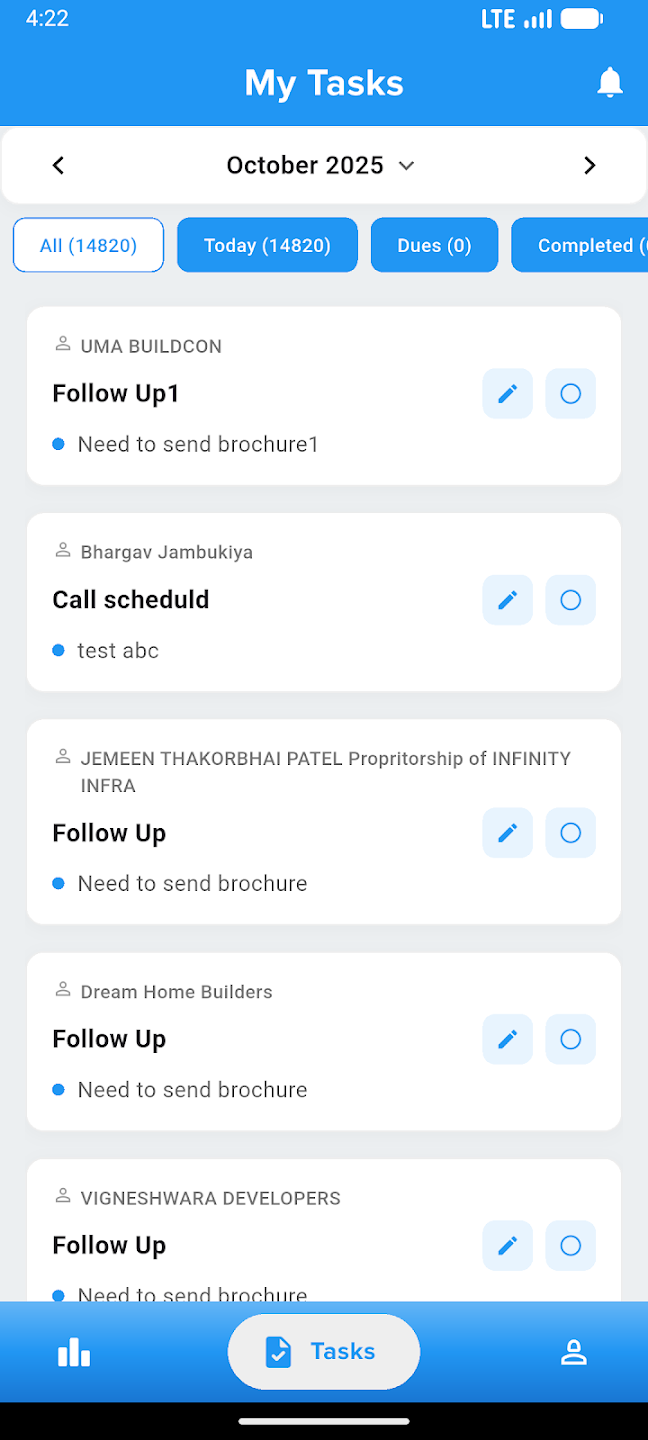
Construction & Operations Management
Track construction milestones, manage site operations, coordinate project activities, monitor progress updates, and ensure timely delivery — all from one powerful construction operations platform.
CONSTRUCTION WORKFLOW
From material planning to site delivery,every construction step stays connected
Stellivo keeps inventory, GRN, stocks, quotations, invoices, deliveries, tasks, issues, RFIs, and material planning in sync — so site teams know what is received, what is pending, and what needs action.

Tasks, Issues & RFIs
Tasks: Active work
Issues: Under review
RFIs: Pending response
Run Daily Construction Work From One Operational Dashboard
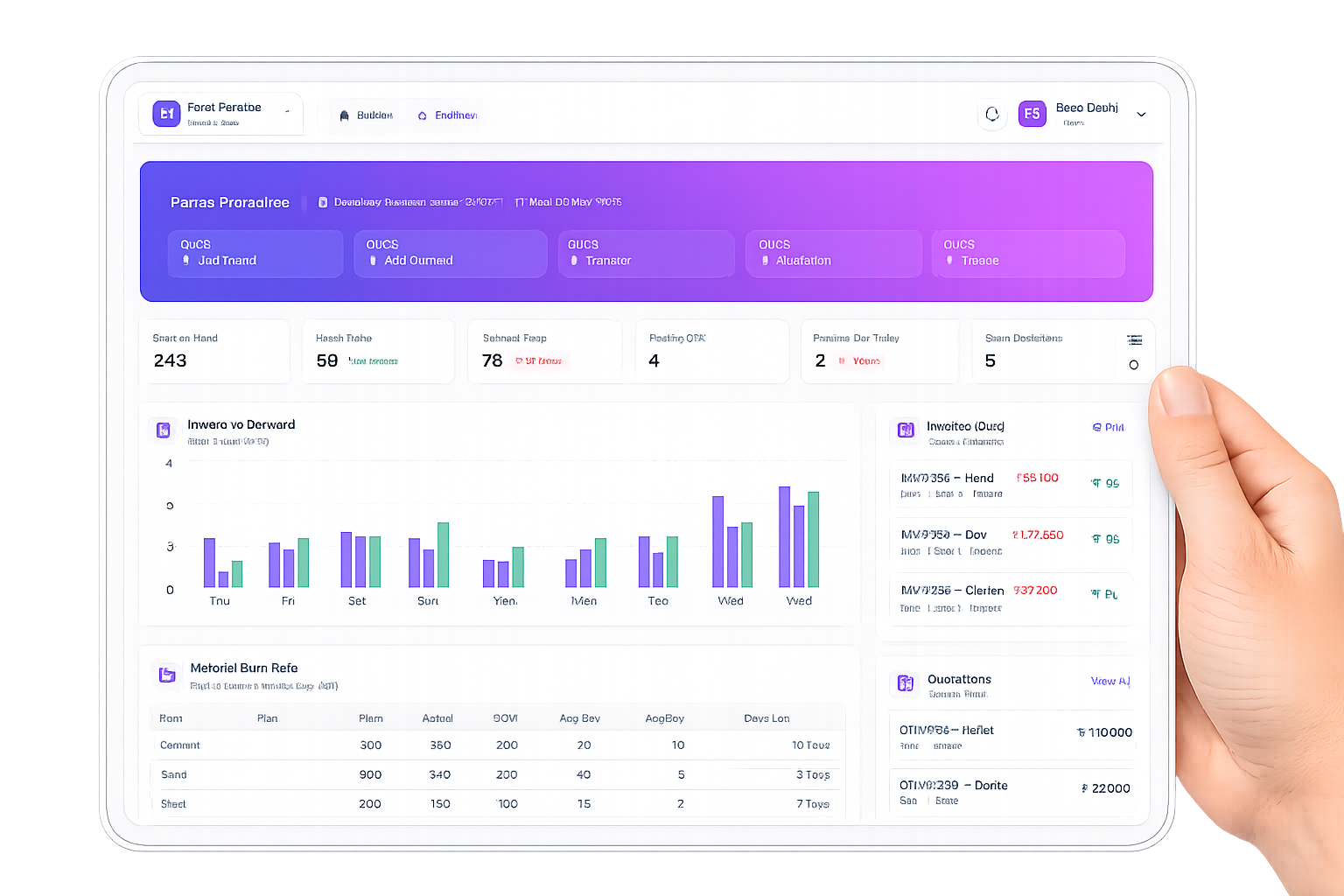
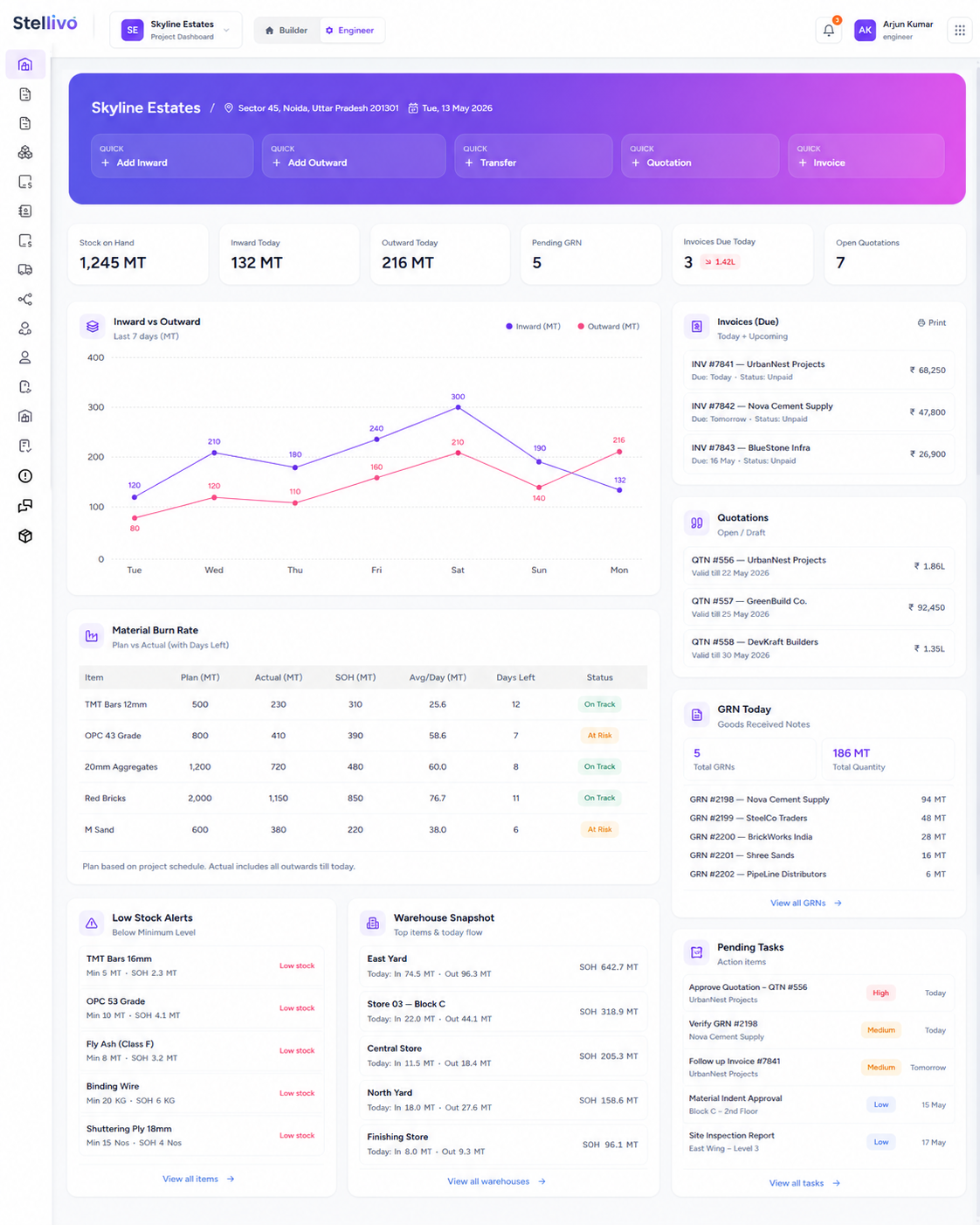
Give engineers and construction teams one focused workspace to view stock on hand, inward and outward movement, pending GRNs, due invoices, open quotations, low-stock alerts, warehouse snapshots, GST summary, and quick actions for inward, outward, transfer, quotation, and invoice.
Contact Us6 quick actions
For daily operations
2
Open quotations
Construction-first Dashboard
Give engineers a dedicated dashboard focused on construction operations, material movement, pending work, invoices, quotations, and warehouse activity.
Quick Operational Actions
Create inward stock, outward stock, stock transfer, quotation, and invoice directly from dashboard shortcuts without opening multiple modules.
Stock & Warehouse Snapshot
View stock on hand, warehouse-wise material availability, low-stock alerts, and today's inward or outward movement in one place.
Invoice & Quotation Visibility
Track due invoices and open quotations so construction billing and customer follow-ups stay visible to the team.
Material Burn Rate View
Compare planned vs actual material usage with average daily consumption and remaining days to support better procurement planning.
Daily Work Control
Use one dashboard to start the day, identify what needs attention, and jump into GRN, Delivery, Stocks, Quotations, Invoices, or Material Planning.
Track Every Material From Item Master to Stock Movement
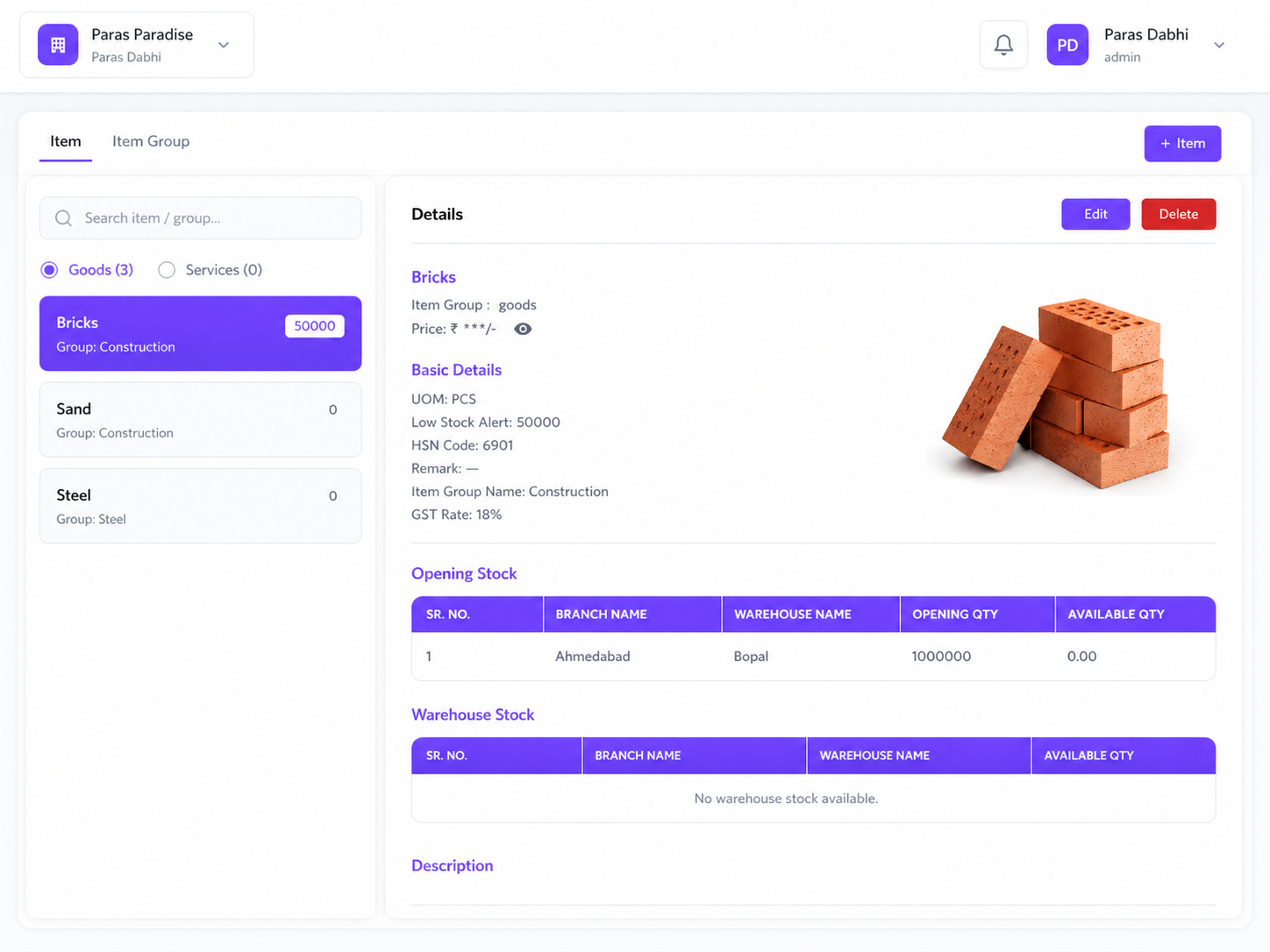
Manage construction materials, goods, services, item groups, GST rates, HSN codes, low-stock alerts, opening stock, warehouse stock, inward entries, outward entries, and branch-level stock movement from one connected inventory system.
3
Tracked items
3 locations
Warehouse stock
Construction Item Master
Create a master list of goods and services such as bricks, sand, steel, cement, labour, and other construction materials.
Item Group & GST Setup
Define item group, UOM, HSN code, GST rate, price, remarks, and low-stock alert for every construction item.
Opening Stock Tracking
Record opening stock by branch and warehouse so the system starts with accurate material availability.
Warehouse-wise Stock Visibility
View material quantity by warehouse or branch, including available stock across Bopal, Vastrapur, Motera, and other locations.
Inward, Outward & Transfer Flow
Manage inward stock, outward stock, and stock transfers between branches so every material movement has a clear record.
Low Stock Alerts
Set minimum stock levels and identify low-stock items before sites run out of critical construction material.
Control Material Receipts and Site Deliveries With Accuracy
Record goods received notes, schedule material deliveries, assign transporters and service persons, track delivery status, manage overdue dispatches, and keep stock levels updated as material moves from warehouse to site.
Explore Pricing1
Approved GRN
4
Delivery records
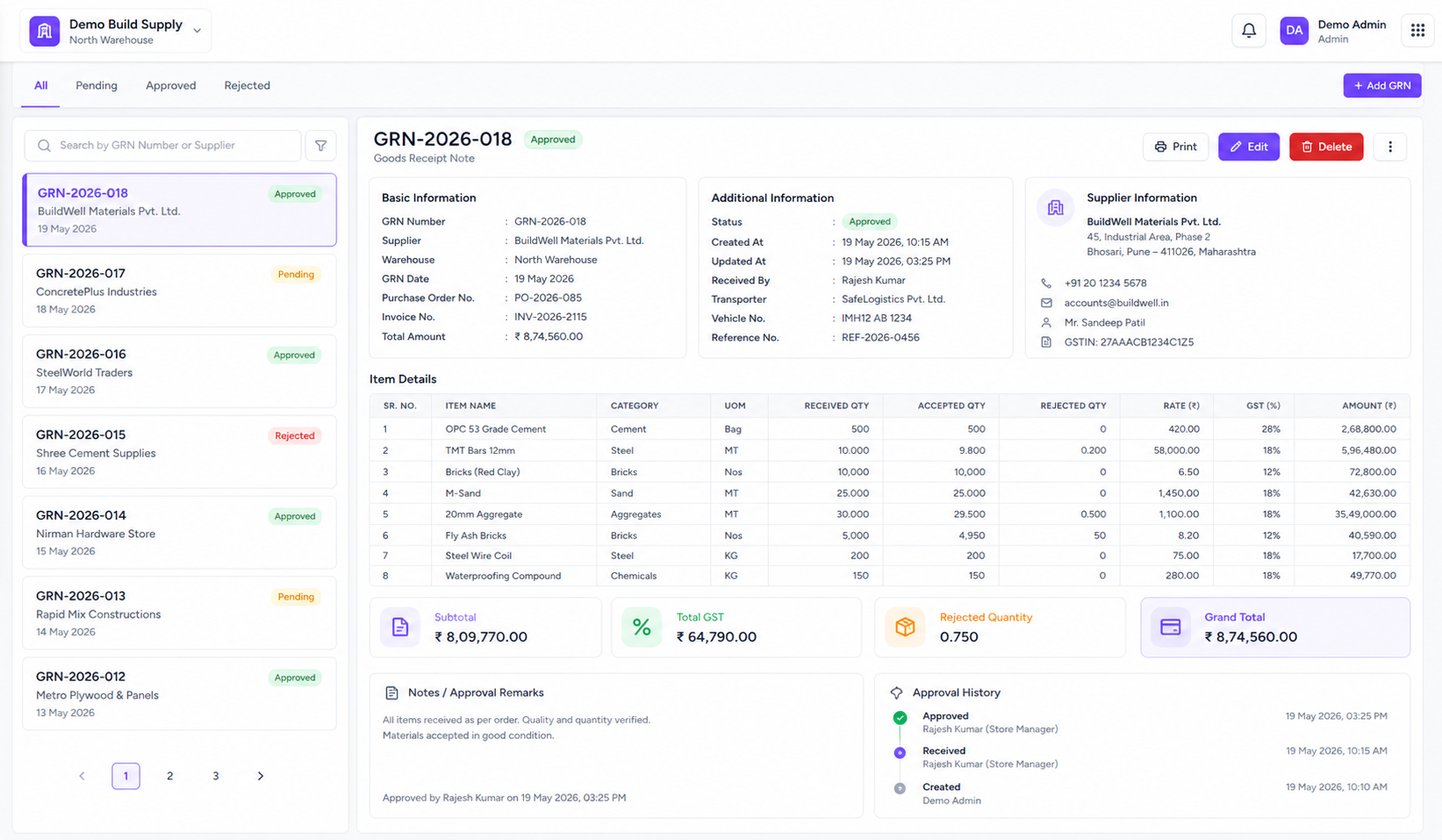
Goods Received Note Tracking
Create GRNs when material arrives, select supplier, branch, warehouse, and items, then update stock automatically.
Delivery Scheduling
Schedule deliveries from branch or warehouse to site with customer, transporter, delivery date, contact person, and delivery address.
Delivery Status Workflow
Track delivery status like scheduled, in transit, delivered, cancelled, and overdue so warehouse and site teams stay aligned.
Transporter Assignment
Maintain transporter records and assign the right transporter to each delivery for clear logistics accountability.
Branch & Warehouse Linking
Connect every GRN, delivery, stock entry, and transfer to the correct branch or warehouse for accurate location-level stock control.
Movement Audit Trail
Keep a complete record of who received, moved, transferred, or delivered material so construction operations remain traceable.
Create Quotations and Invoices Without Re-entering Data
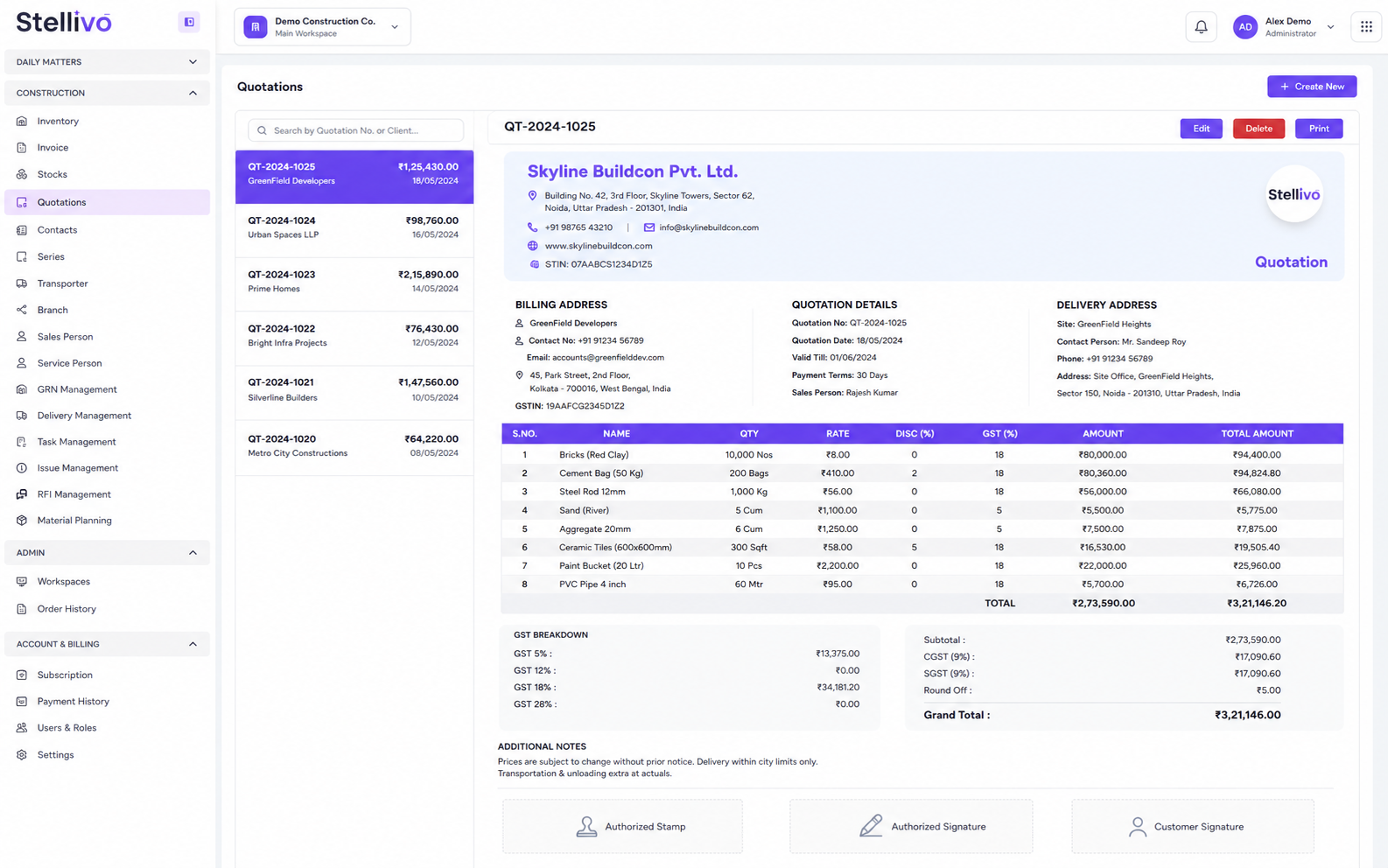
Prepare professional quotations, convert approved quotes into invoices, manage tax invoice details, apply GST, use item-level billing, track document numbers through series, and print or edit billing documents from one construction billing workspace.
2
Quotations
1
Invoice
Professional Quotation Builder
Create quotations with billing address, delivery address, item details, quantity, rate, discount, GST, and total amount.
Convert Quote to Invoice
Convert an approved quotation into an invoice so teams do not need to enter the same customer and item details again.
Tax Invoice Management
Generate tax invoices with billing details, delivery details, transport details, GST split, net amount, and grand total.
Item-wise GST Billing
Use inventory items inside quotations and invoices with HSN code, UOM, GST percentage, rate, quantity, and net amount.
Document Series Control
Manage quotation and invoice series with prefix and numbering so every document has a clean and traceable reference.
Print, Edit & Track
Edit, delete, and print quotations or invoices while keeping document history organized for billing and customer communication.
Manage Every Construction Contact And Team Resource in One Place
Maintain prospects, customers, vendors, suppliers, transporters, branches, warehouses, sales persons, and service persons so every GRN, delivery, quotation, invoice, task, and site operation is linked to the right person or location.
Contact Us9
Resource records
3
Sales persons
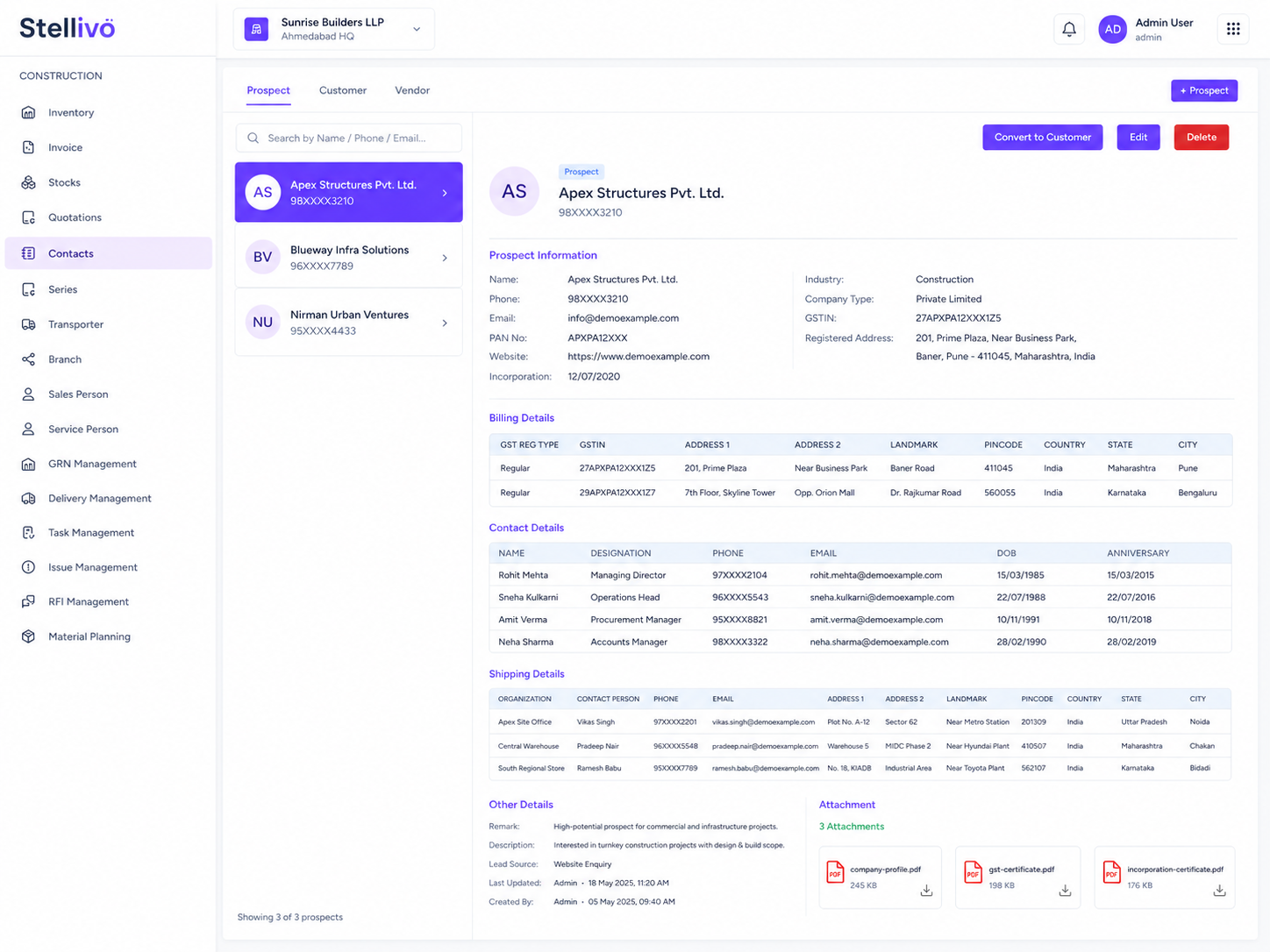
Construction Contact Master
Manage prospects, customers, vendors, suppliers, and site contacts with billing, shipping, contact, attachment, and other details.
Convert Prospect to Customer
Convert a prospect into a customer when they start buying so they can be used in quotations, invoices, and billing workflows.
Vendor & Supplier Records
Use construction contacts as suppliers in GRN and vendors in procurement-related flows so material receipt stays properly linked.
Branch & Warehouse Directory
Create branches and warehouses with address and warehouse access so stock, GRN, delivery, and transfer records stay location-based.
Sales Person Management
Add sales persons and assign them to quotations, invoices, and tasks for clear ownership and sales accountability.
Service Person & Transporter Management
Manage service persons and transporters so delivery, site work, and field execution can be assigned to the right team member.
Plan Site Work, Track Issues and Keep Material Flow on Schedule
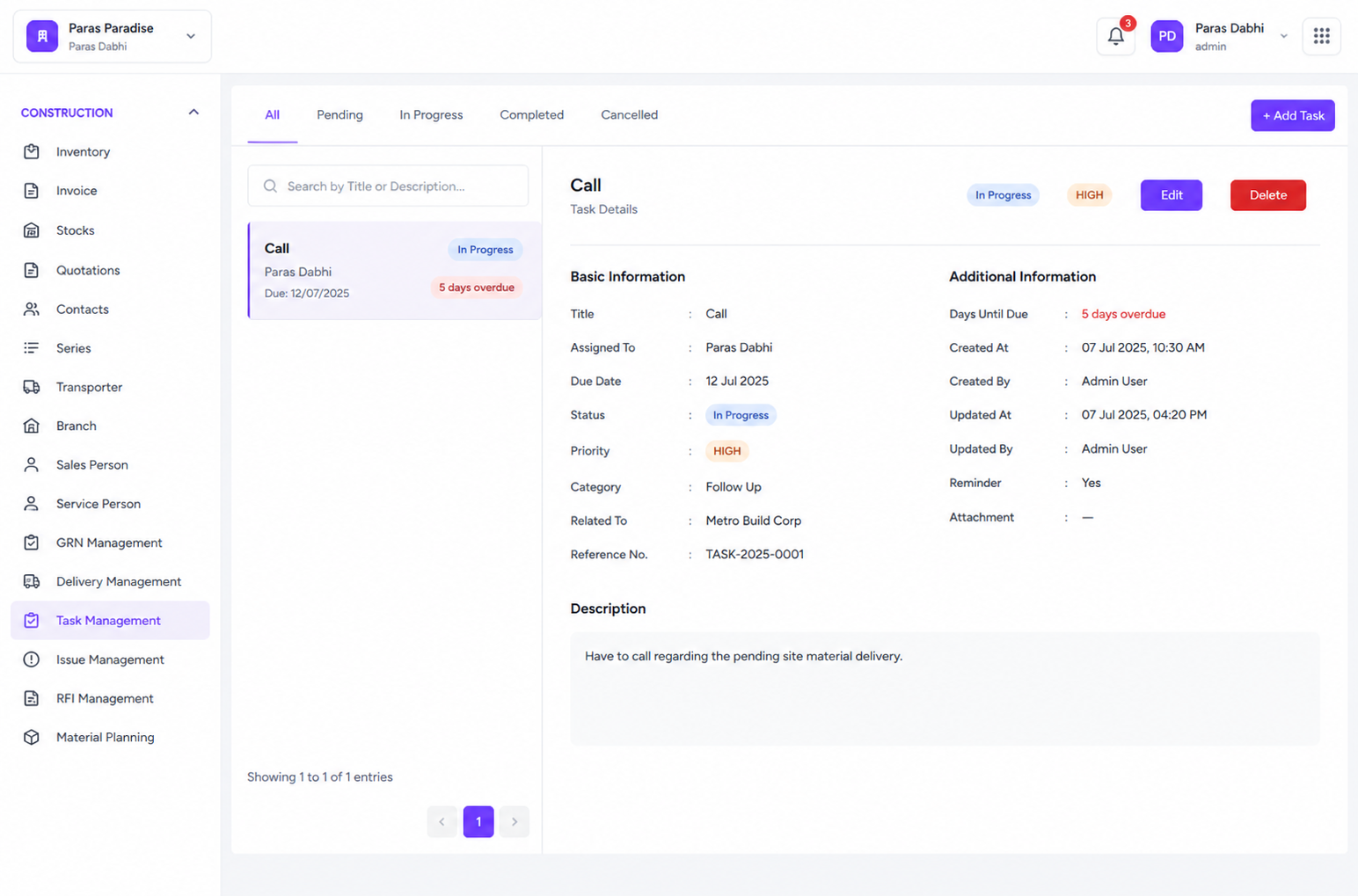
Manage construction tasks, site issues, RFIs, material planning, progress updates, overdue work, assigned owners, completion percentage, planned vs actual quantity, and follow-up actions from one execution-focused workflow.
85%
Material plan progress
71 days
Overdue tracking
Material Planning
Plan required material by item, warehouse, planned quantity, actual quantity, planned date, remaining quantity, and completion percentage.
Task Management
Create construction tasks, assign owners, set due dates, priority, status, and description so every site or back-office task has accountability.
Issue Management
Log site issues with priority, description, reporter, assigned person, and status so defects, delays, and blockers do not get missed.
RFI Management
Create RFIs for clarifications, assign them to the right person, track due dates, status, responses, and follow-up actions.
Overdue & Status Tracking
Track overdue days, in-progress work, completed work, cancelled records, and pending actions across tasks, RFIs, issues, and material plans.
Construction Progress Updates
Record milestone progress with photos and notes so buyers, partners, and internal teams can see real-time project movement.
Built For The Teams Who Move Real Estate Forward
Stellivo helps builders, brokers, channel partners, and construction teams work with connected data, clearer responsibilities, and better visibility across real estate sales, communication, inventory, construction, and reporting workflows.

For Builders & Developers
Manage projects, leads, clients, bookings, inventory, documentation, communication, construction progress, and business visibility from one connected real estate CRM platform.
- Project and inventory control
- Booking and client visibility
- Reports and business tracking

For Brokers & Channel Partners
Track assigned leads, customer interactions, follow-ups, visits, bookings, commissions, project-wise activity, revenue visibility, and partner performance.
- Lead and follow-up tracking
- Booking and commission visibility
- Partner performance insights
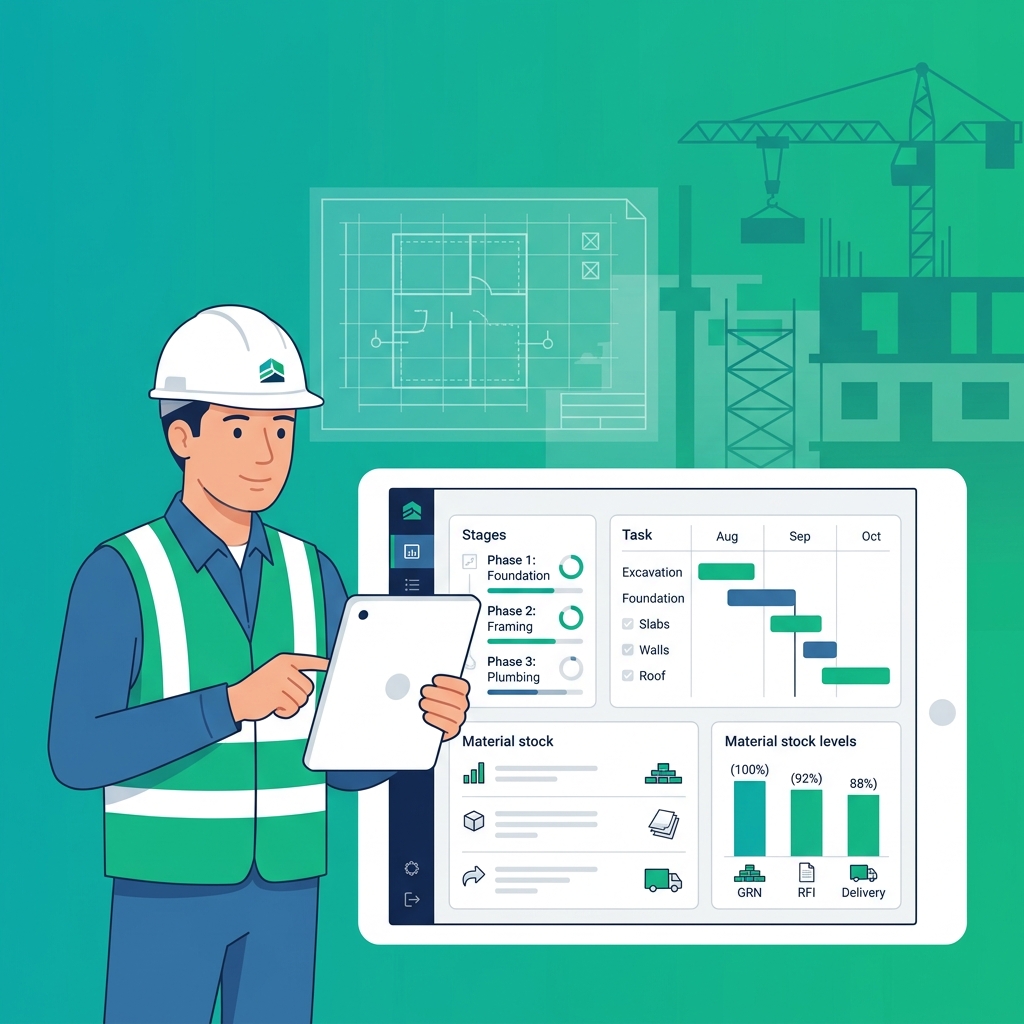
For Construction & Operations Teams
Manage inventory, stocks, GRN, delivery, quotations, invoices, branches, warehouses, tasks, issues, RFIs, material planning, and site coordination.
- Stock, GRN, and delivery tracking
- Task, issue, and RFI management
- Material planning and coordination
Not sure which plan fits your team?
Talk to our teamFrequently asked questions about construction and operations management
Find answers to common questions about managing construction inventory, GRN, stock movement, delivery, quotations, invoices, tasks, issues, RFIs, material planning, and site coordination with Stellivo CRM.
8
Questions answered
What is construction and operations management in Stellivo CRM?
Construction and operations management in Stellivo helps real estate teams track site work, inventory, stock movement, GRN, delivery, quotations, invoices, tasks, issues, RFIs, and material planning from one connected platform. It is built to keep construction activity, resource planning, and business visibility organized.
How does Stellivo help manage construction inventory?
Can Stellivo track GRN and stock movement?
Does Stellivo support delivery management for construction sites?
Can Stellivo manage construction tasks, issues, and RFIs?
How does Stellivo help with material planning?
Can Stellivo create quotations and invoices for construction operations?
Why should real estate businesses use Stellivo for construction operations?
Still have questions? Our team is happy to help.
Contact our teamReal Estate Software Built for Experts
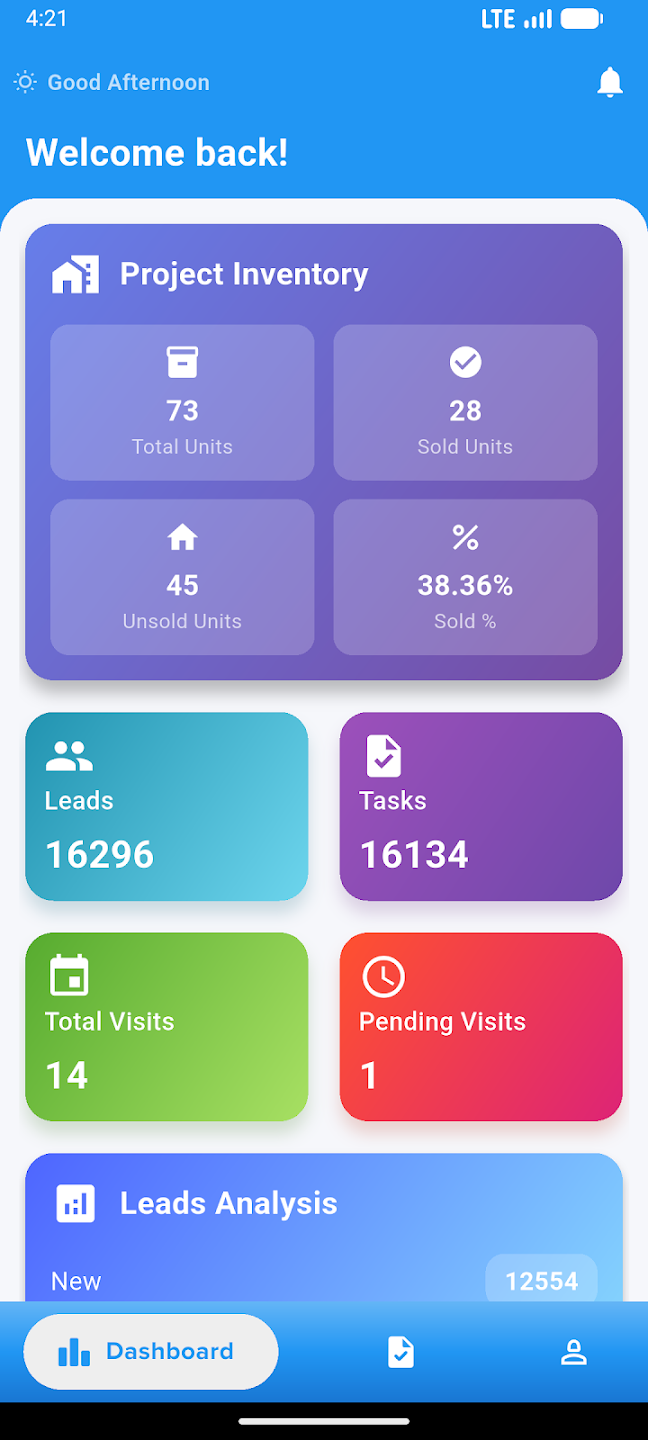
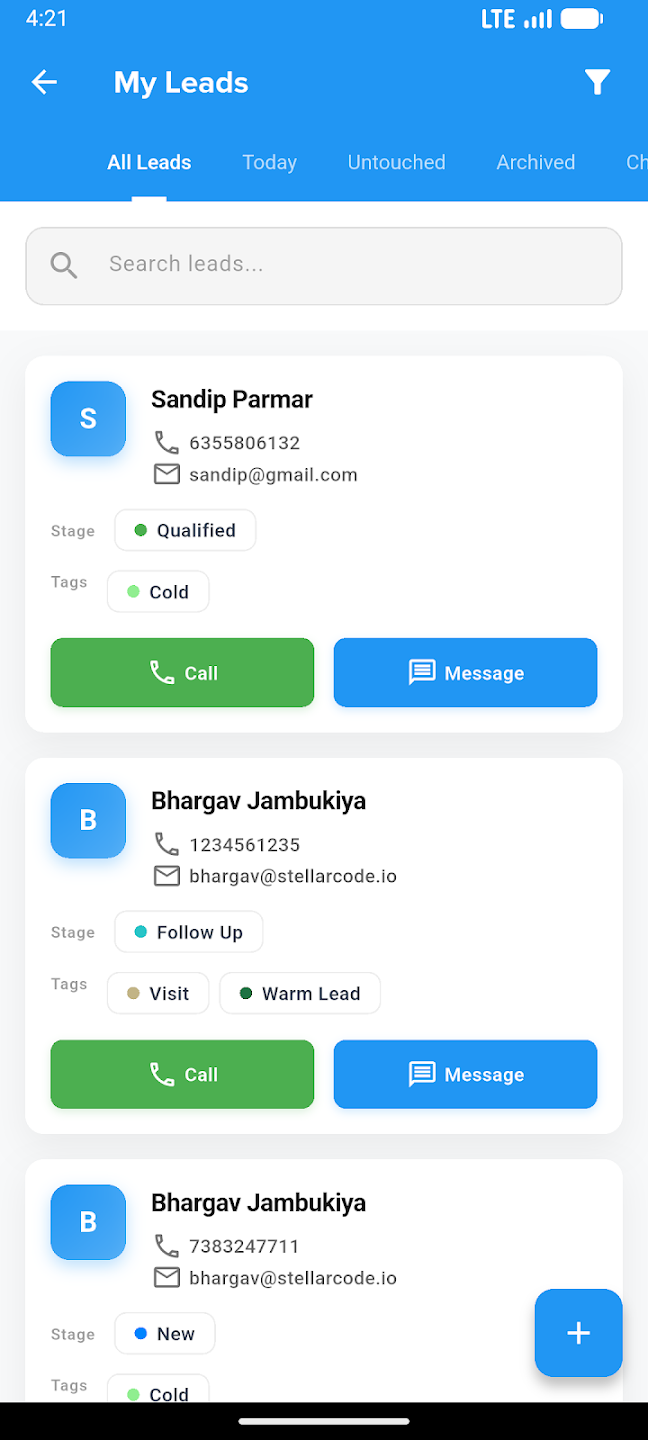
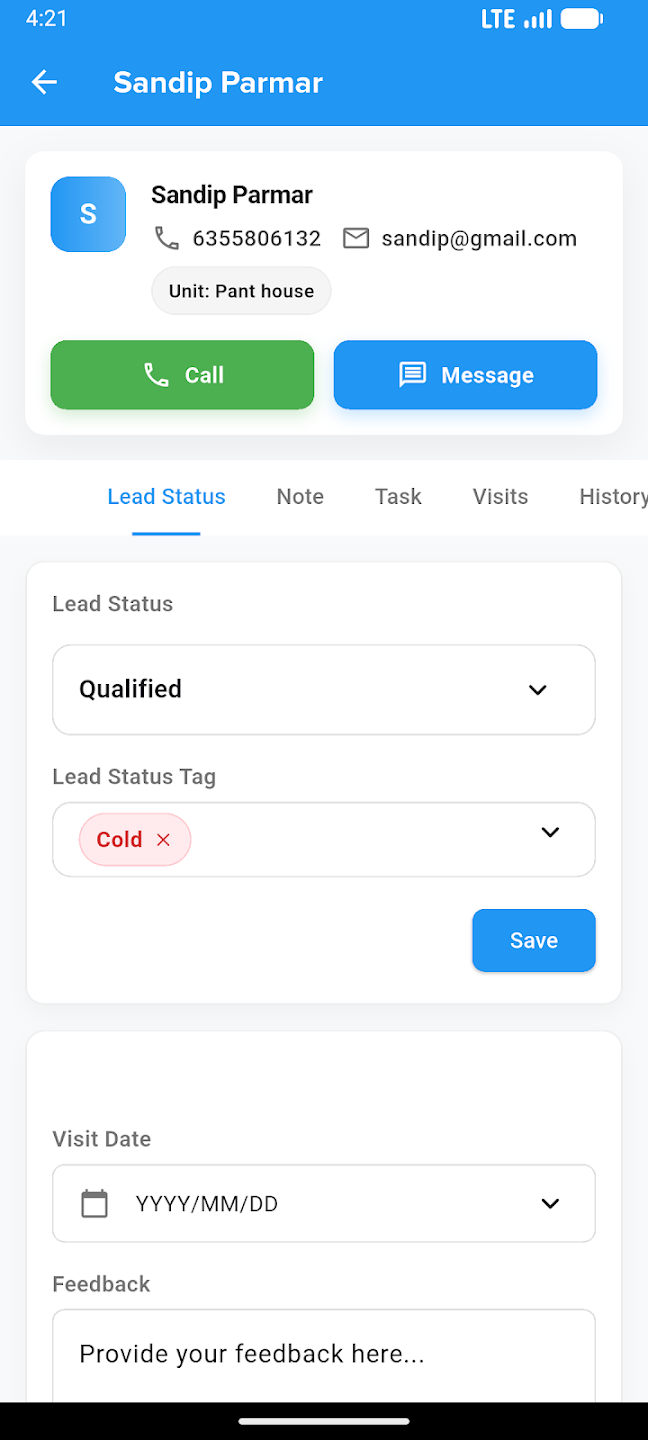
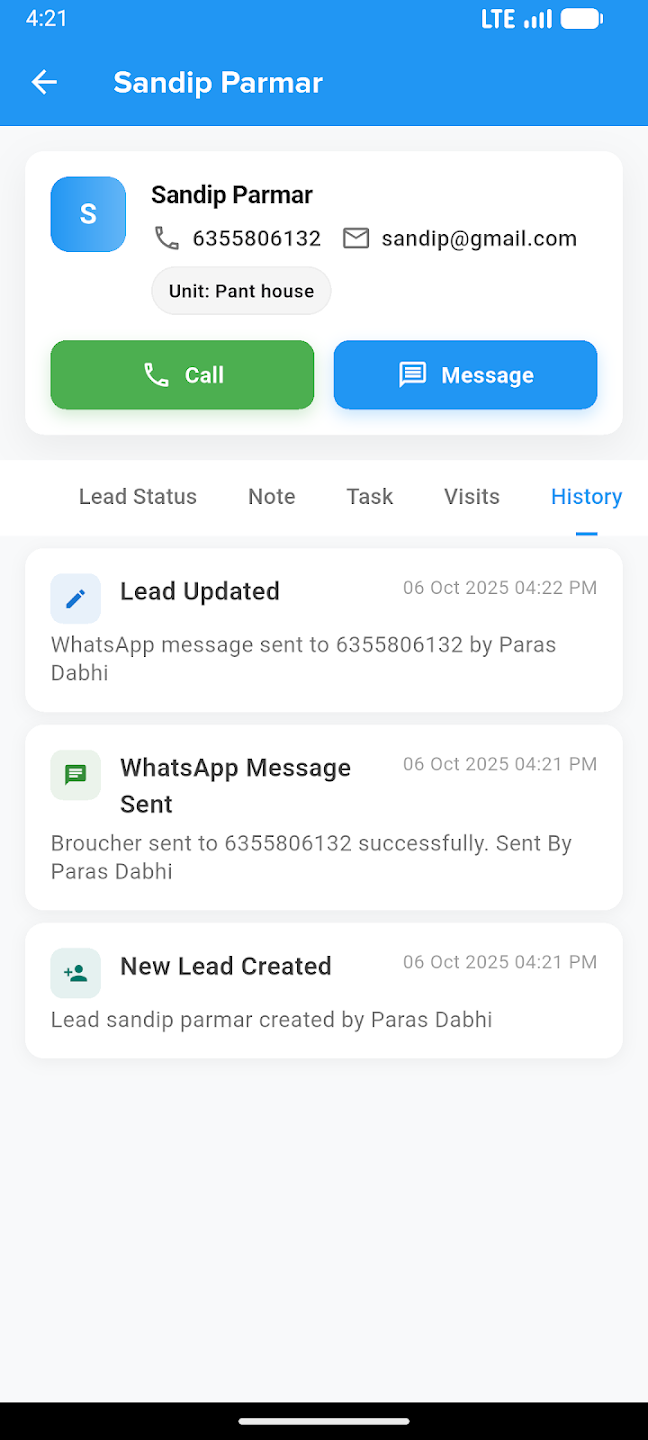
Take your business everywhere. Manage leads, track construction progress, and close deals right from the palm of your hand with our powerful mobile companion.